Cancelling a Violation
How to cancel a violation
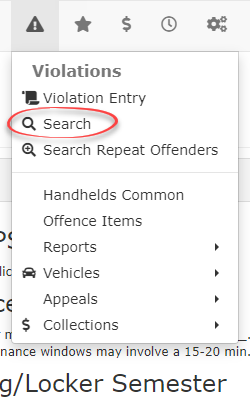
1. Hover over Violations, select Search
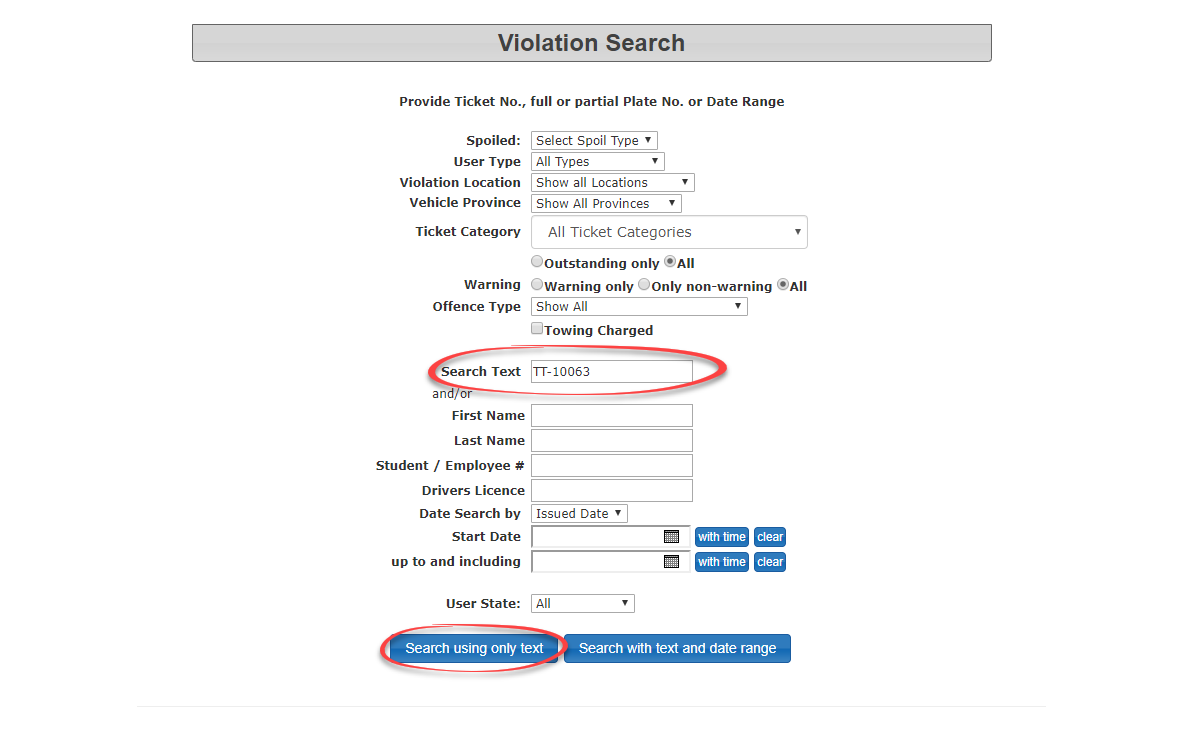
Enter the violation being cancelled into the Search Text field, then select Search using only text. In this case the violation being cancelled is TT-10063.
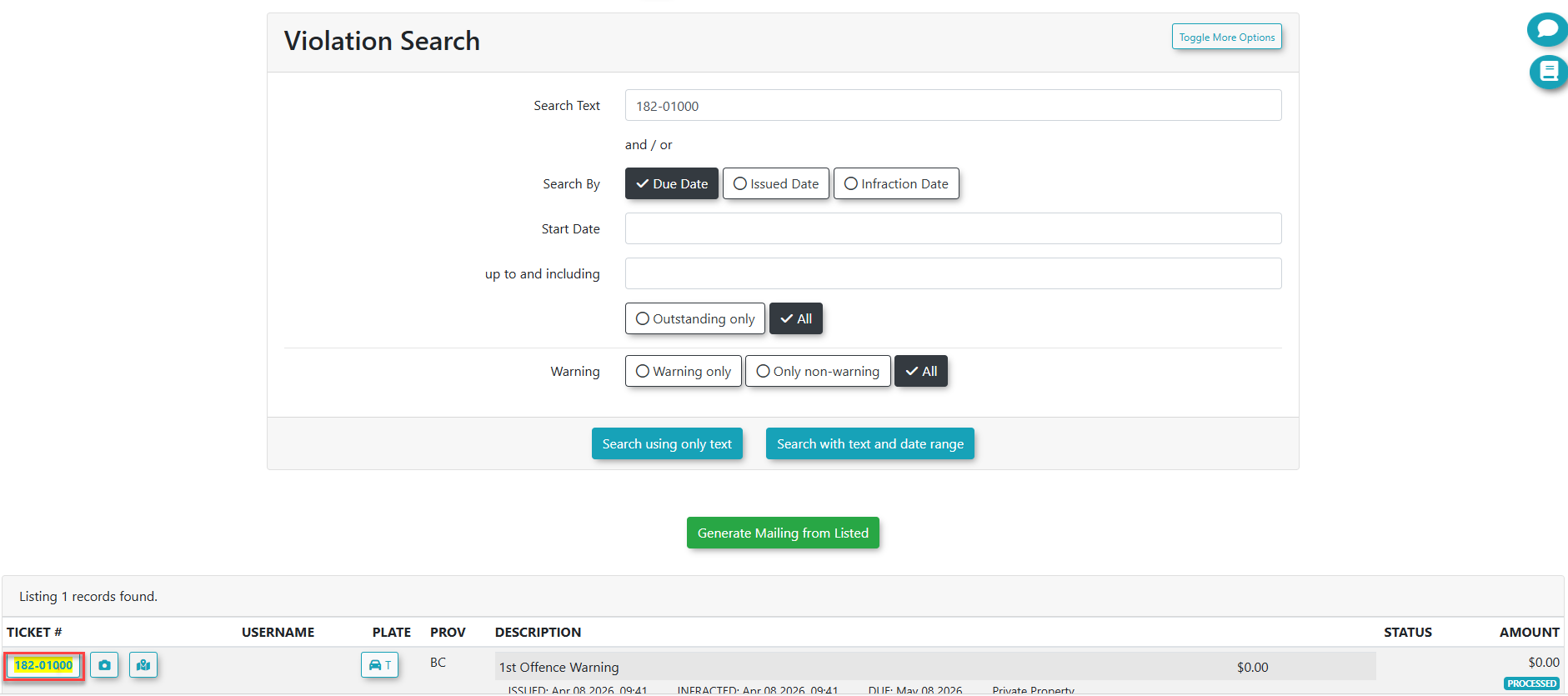
Click on the Ticket Number of the violation being cancelled
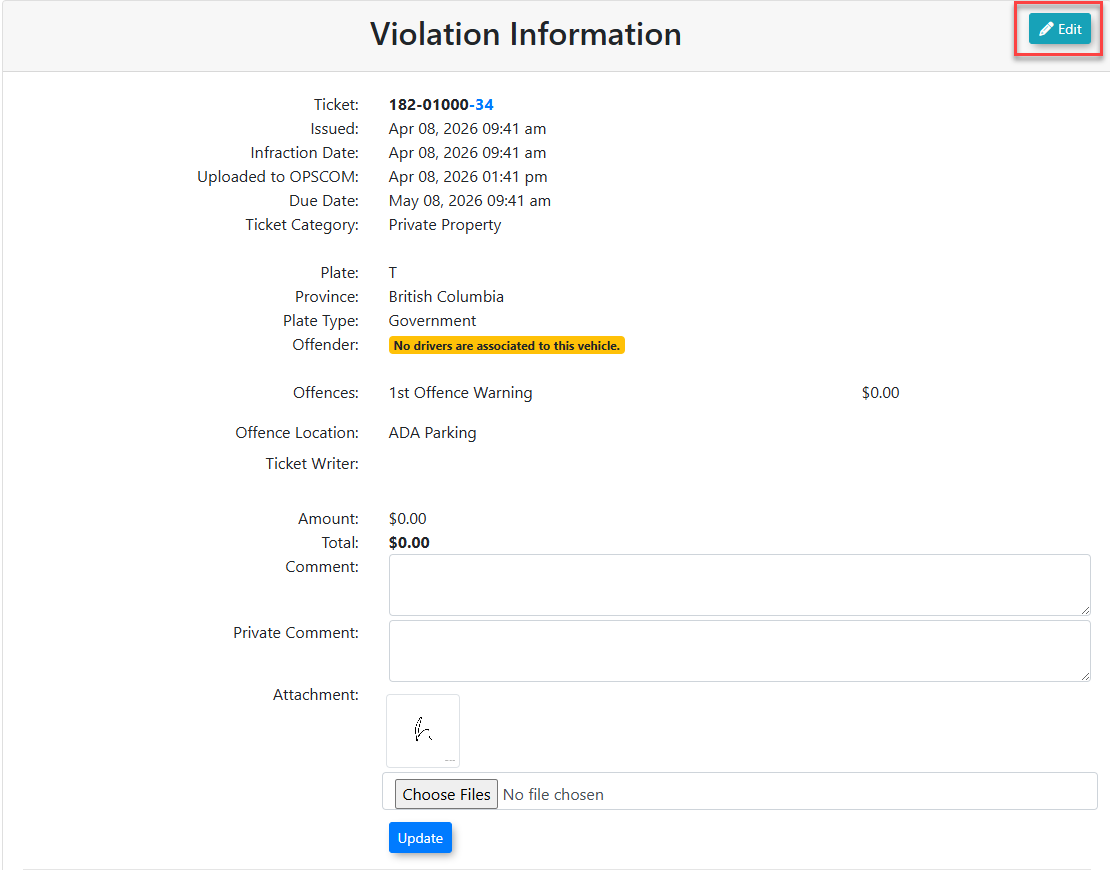
4. Click on the Edit button
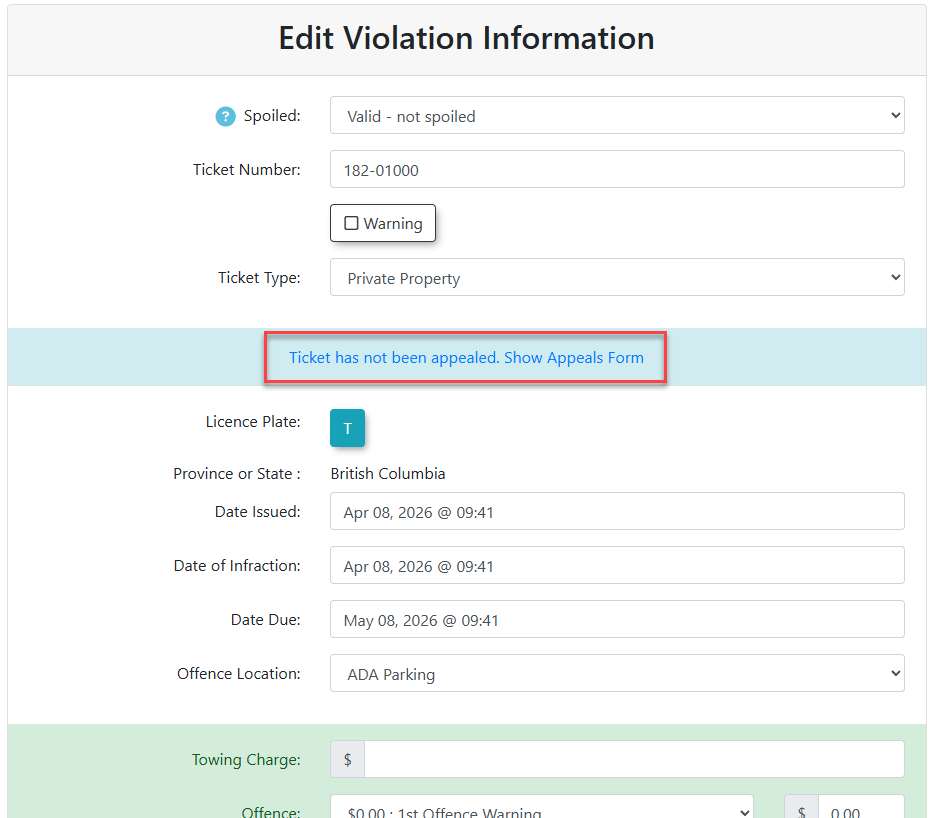
5. Click on the Show Appeals Form link.
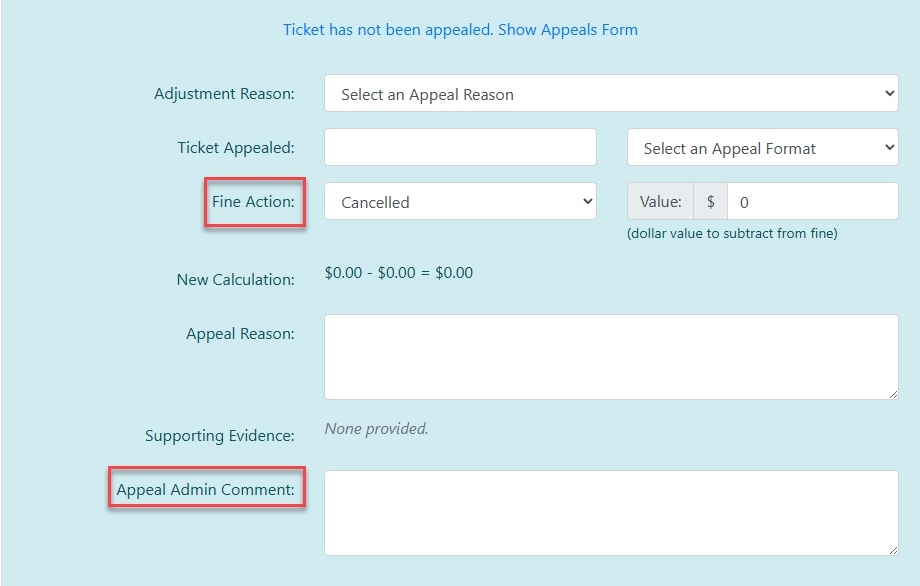
6. Select Cancelled in the Fine Action field and enter the reason for the cancellation into the Appeal Admin Comment field
field.
Click on Update this Violation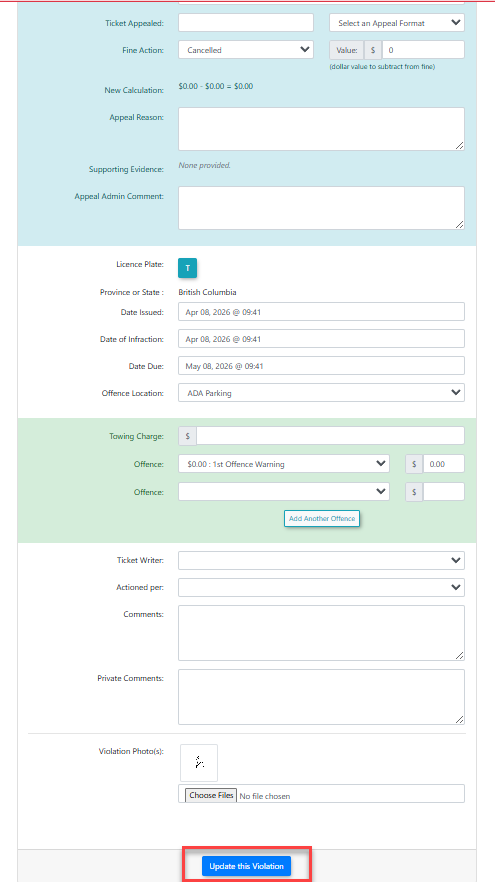
A pop-up with show a message in the top right of your screen that the "Violation has been updated."

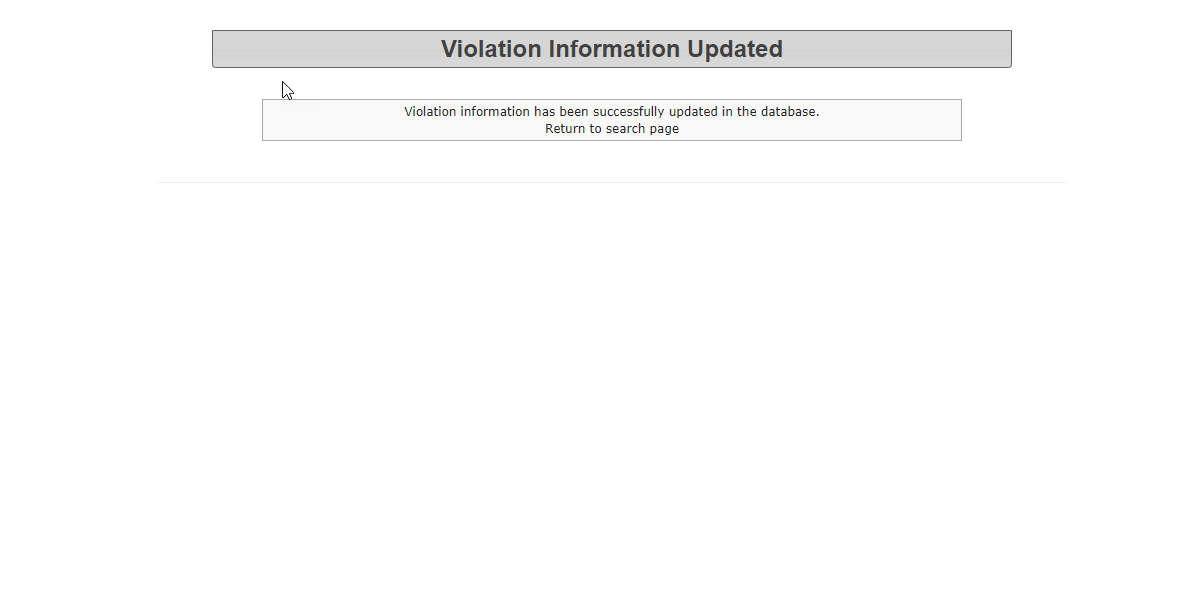
The Violation Information Updated page displays, showing the violation has been updated