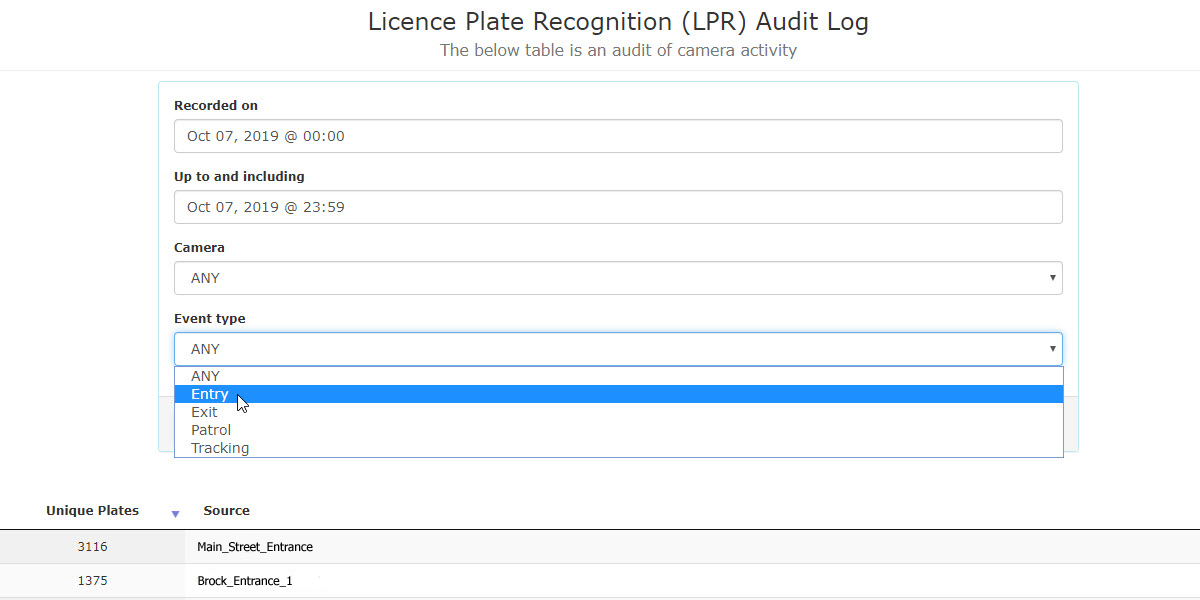
LPR Audit Log
Viewing the LPR Audit Log
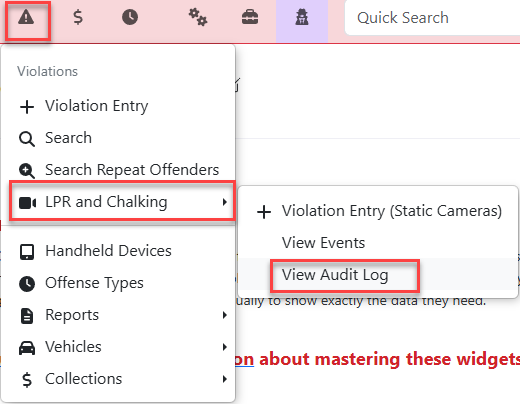
To access the LPR Audit Log, go to the Parking ManagementViolations menu and hover over LicenseLPR Plateand Recognition.Chalking. Select View LPR Audit Log from the resulting drop down menu.
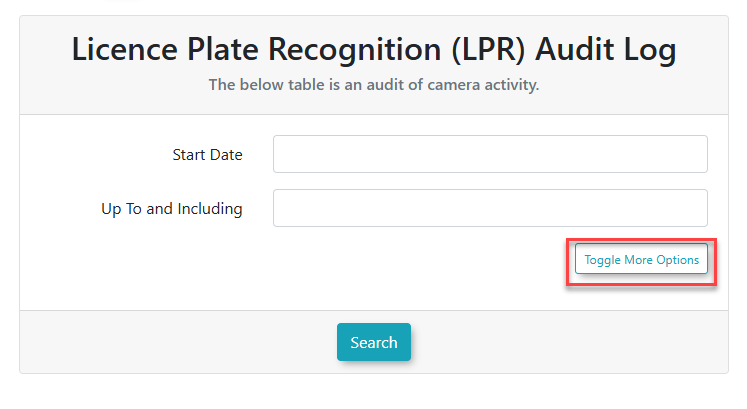
The initial screen will display with the currentoption day'sto informationToggle More Options
Filtering Results
Search results can be filtered to display specific information. The two filter fields are Camera selection and Event type.type when clicking Toggle More Options.
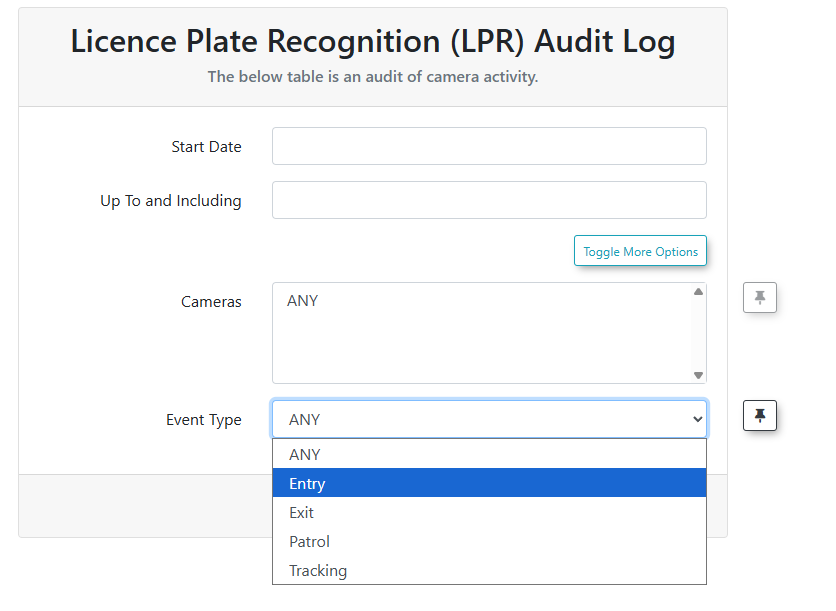
Event type refers to one of five selections:
Any Event
Entry Events
Exit Events
Patrol Events (These are LPR chalking records from a Patrol Officer's hand held unit.
Tracking (These could be cameras that track movement such as moving from one floor of a multilevel garage to another floor.