Managing Validator Records
InThis article outlines the process for adding and managing parking validations using the Validator Tool. Its primary purpose is to allow administrators to manually validate parking for specific vehicles and remove incorrect validation entries to maintain accurate reporting. This guide is intended for OPS-COM administrators.
Setup and Configuration
There is no specific configuration required to manage validator records, provided your administrative user role has the appropriate permissions to access the Parking Validation tools.
Using this example,Feature
The willValidator addTool allows administrators to quickly assign validations to vehicles and manage existing entries if an error was made during data entry.
Adding a validationValidation forRecord
-
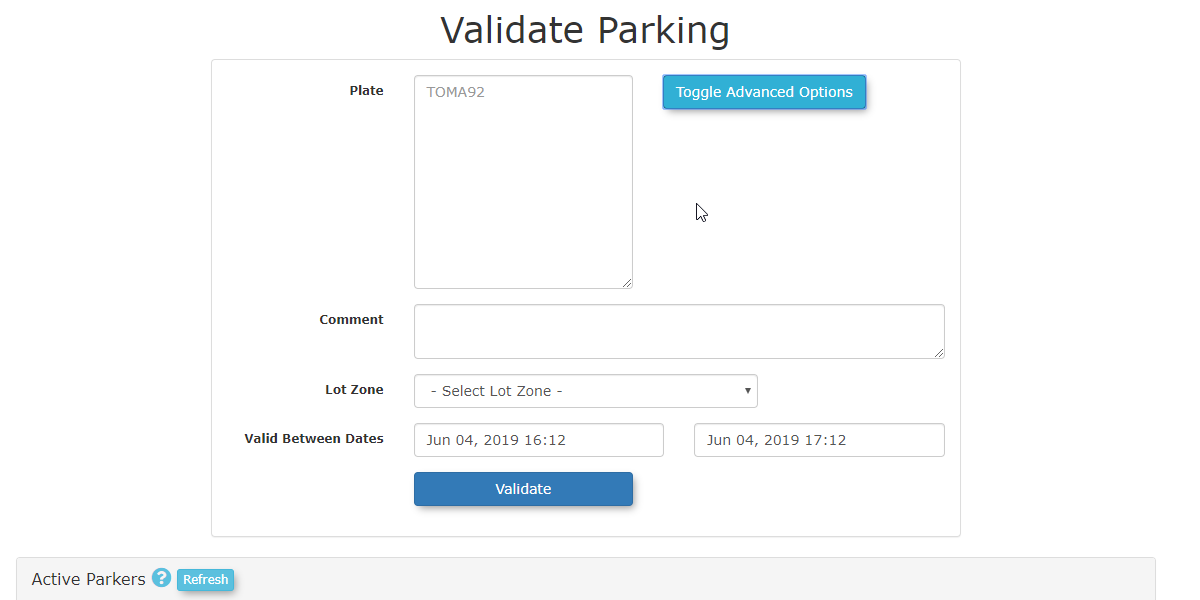
withEnter the vehicle's license plate
numberBIRCHin theGARAGE L1LotPlatestartingJune 4thand expiring onJune 4th.field. -
Enter theplate numberChoose Garage L1 asClick the Lot Zone
drop-down menu and choose the appropriate lot. -
Enter
yourthe required time frameandinclicktheonValid Between Dates fields. -
Click the Validate button to create the record.
Once wea haverecord createdis thesuccessfully record,created, it will automatically appear in the Validate Parking Report.
Deleting a Validation Record
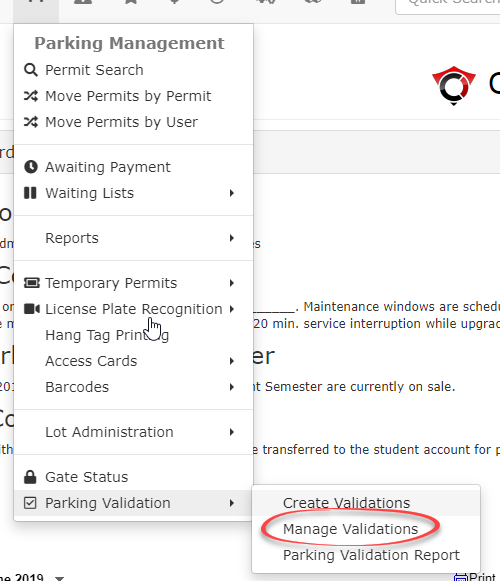
If thean entry was donemade in error, it can be removed throughusing the Manage Validationmanagement tool.To do so, hover over Parking Validation under the Parking Management Menu and select Manage Validations from the drop down menu.
-
InHovertheovermanagementParkingtool,Managemententerand click Parking Validation then Manage Validations. -
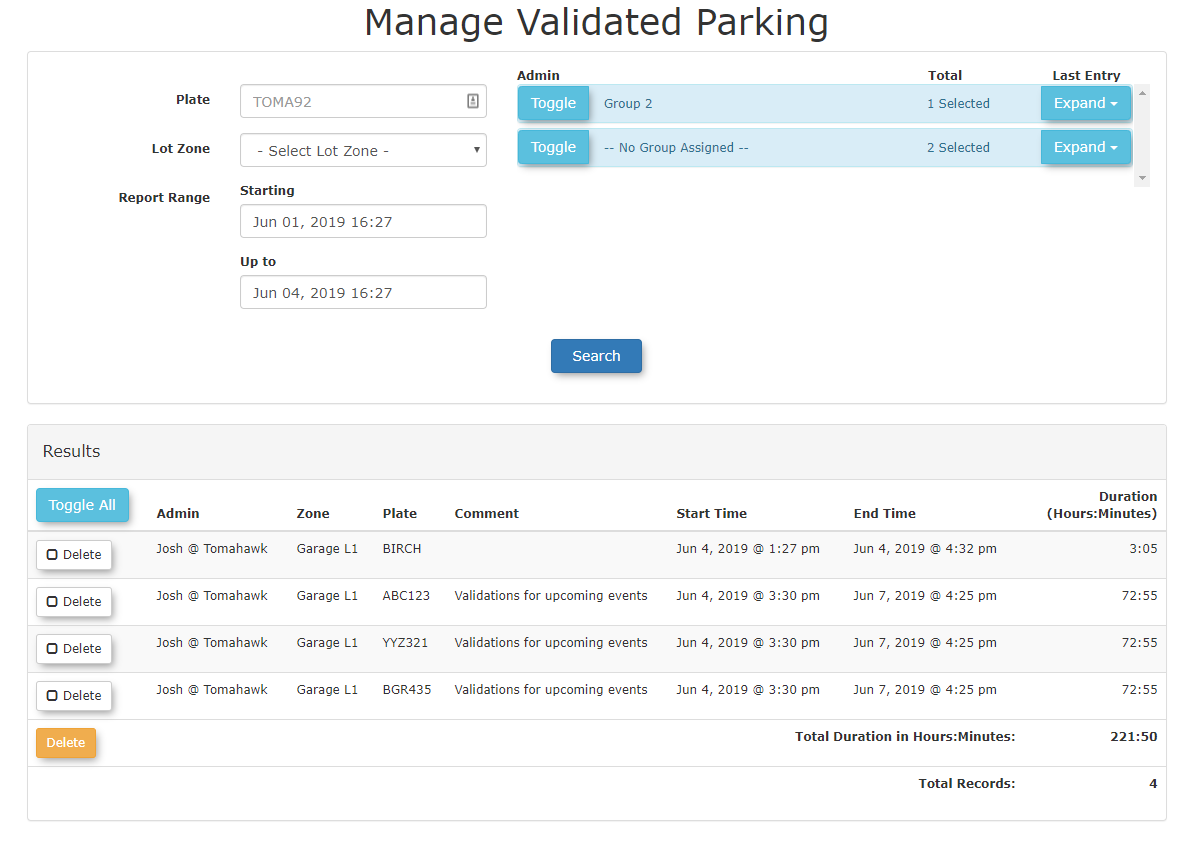
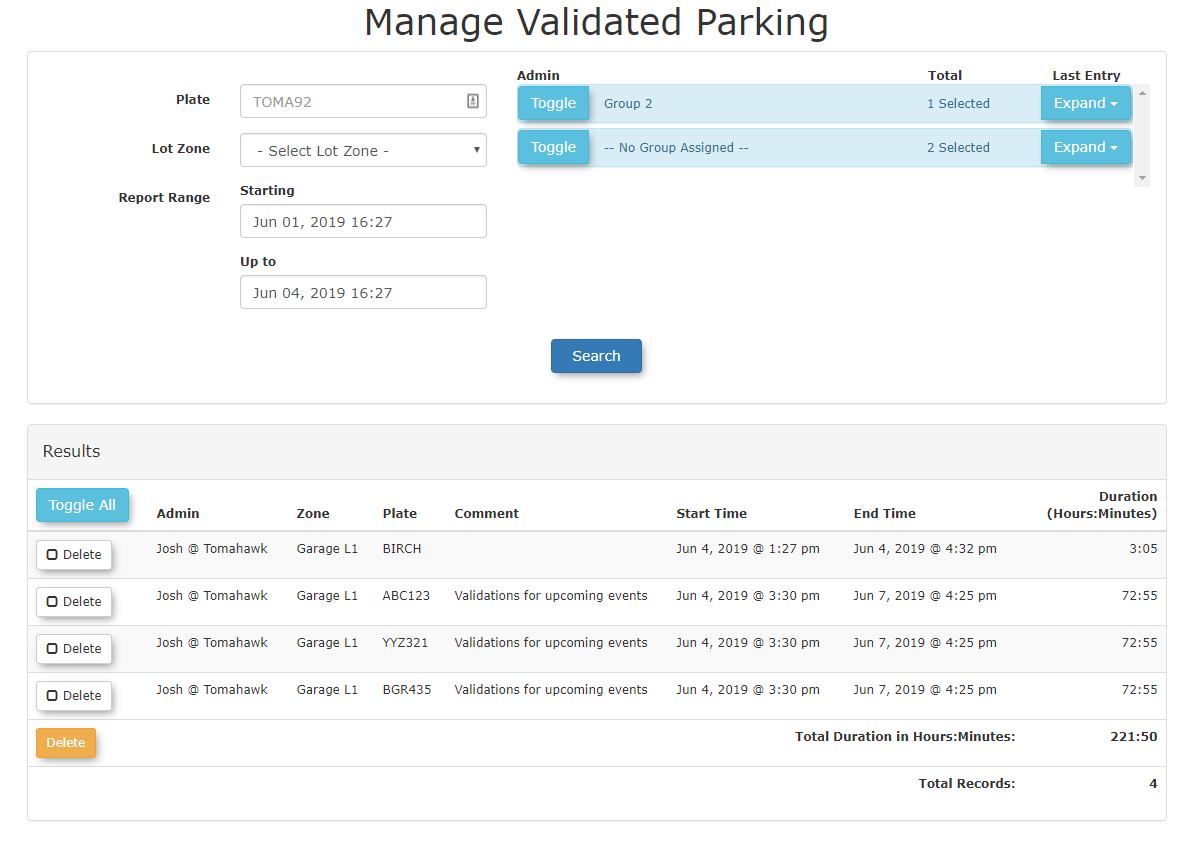
Enter the Plate Number
inandquestionselectalongthe Lot Zone associated with theLot Zonerecord you wish toview.Tolocate.delete -
record click onClick the Delete button
associatednextwithto the relevant record tohighlightselect it with a checkmark. -
Click the
buttoncheckArchivemark.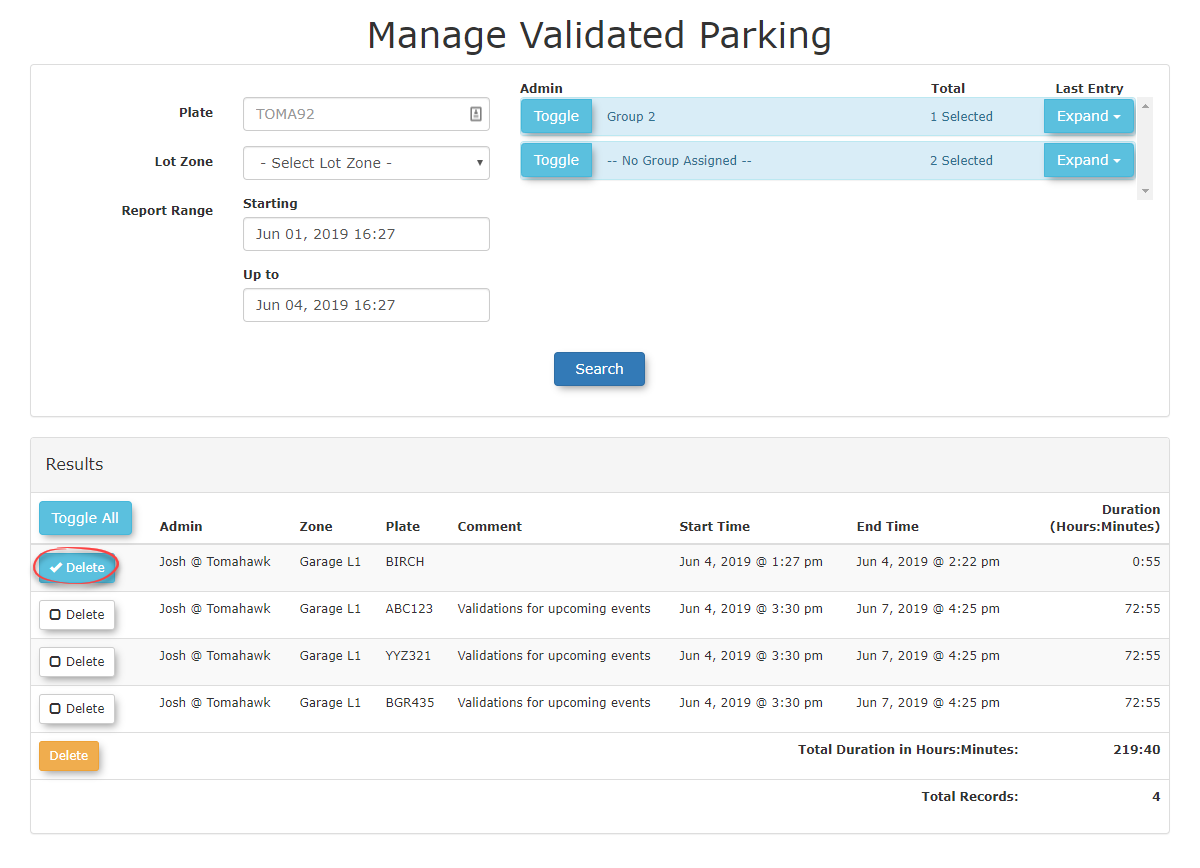
You will bewhen prompted to confirm thearchivingremoval.of
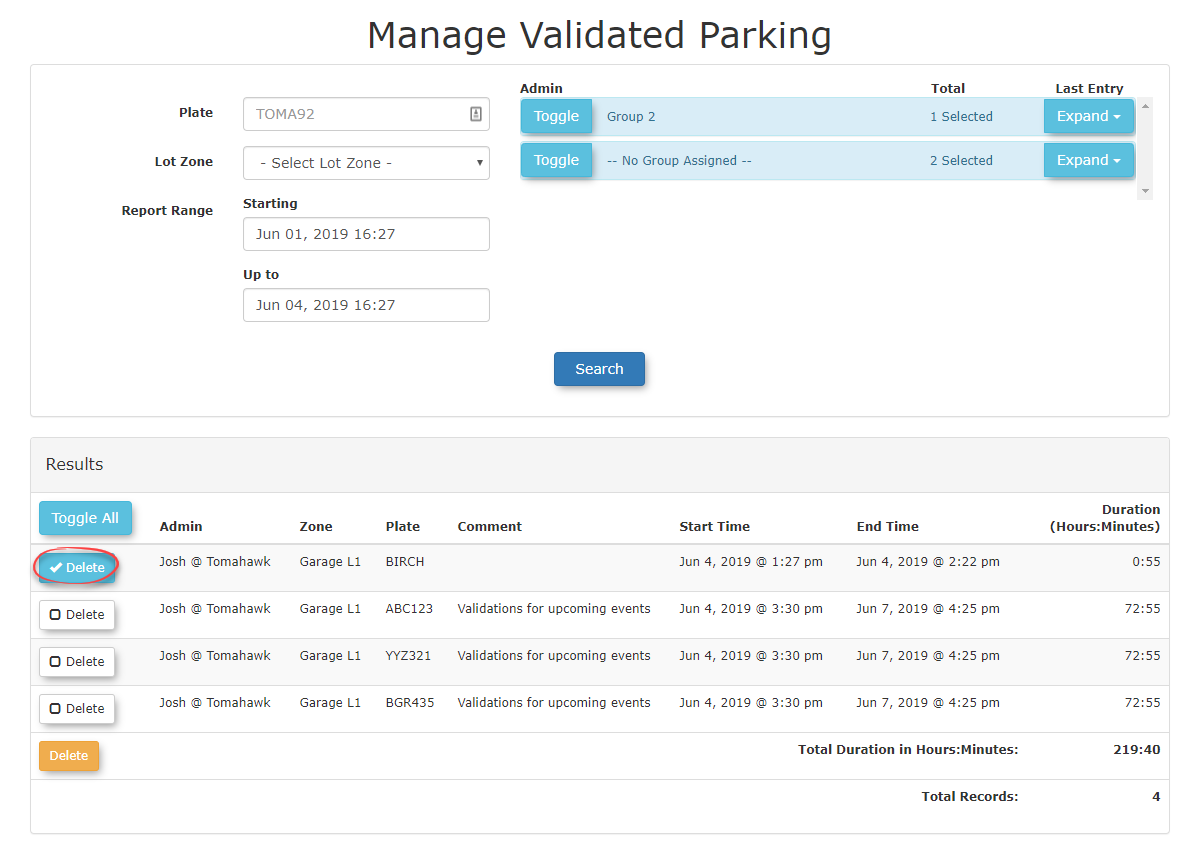
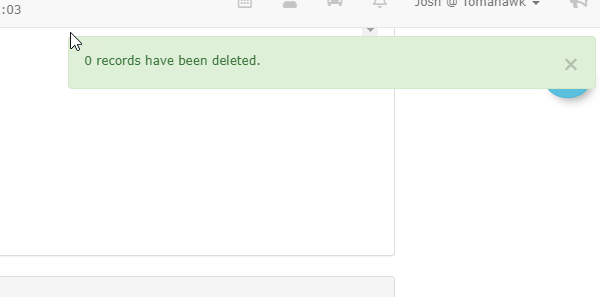
A pop-up message will confirmappear confirming the deletion of the record.
Once archived, the record is immediately removed from the Validate Parking Report.
Best Practices and Considerations
-
OnceData Accuracy: Double-check plate numbers and lot zones before submitting a validation. Ensuring data accuracy at therecordpointisofdeleted,entryyoureduceswillthenoticeadministrativeitoverheadwillofbemanually deleting and recreating records. -
Audit Trails: Regularly review the Validate Parking Report to ensure that active validations are legitimate. While deleted records are removed from standard reports, utilizing proper archive procedures ensures system data integrity is maintained behind the
Validator Parking Report.
scenes.