Resetting an Administrator's Forgotten Password
FromThe Administrator Password Reset feature allows users to securely recover access to their OPS-COM administrative accounts. Its primary purpose is to provide a self-service method for resetting forgotten credentials quickly without requiring manual intervention from a primary system administrator. This article is intended for OPS-COM administrators who need to regain access to their portal.
Setup and Configuration
This feature is available by default on the Admin Login page clickand requires no specialized system setup to function. However, the system relies on the email address recorded in the user's profile to deliver the reset link.
Administrators with system configuration access can customize the automated email sent during this process by navigating to the Email Templates page and modifying the Lost Passwords template.
Using this Feature
If an administrator has forgotten their login credentials, they can initiate a secure reset process directly from the login screen.
-
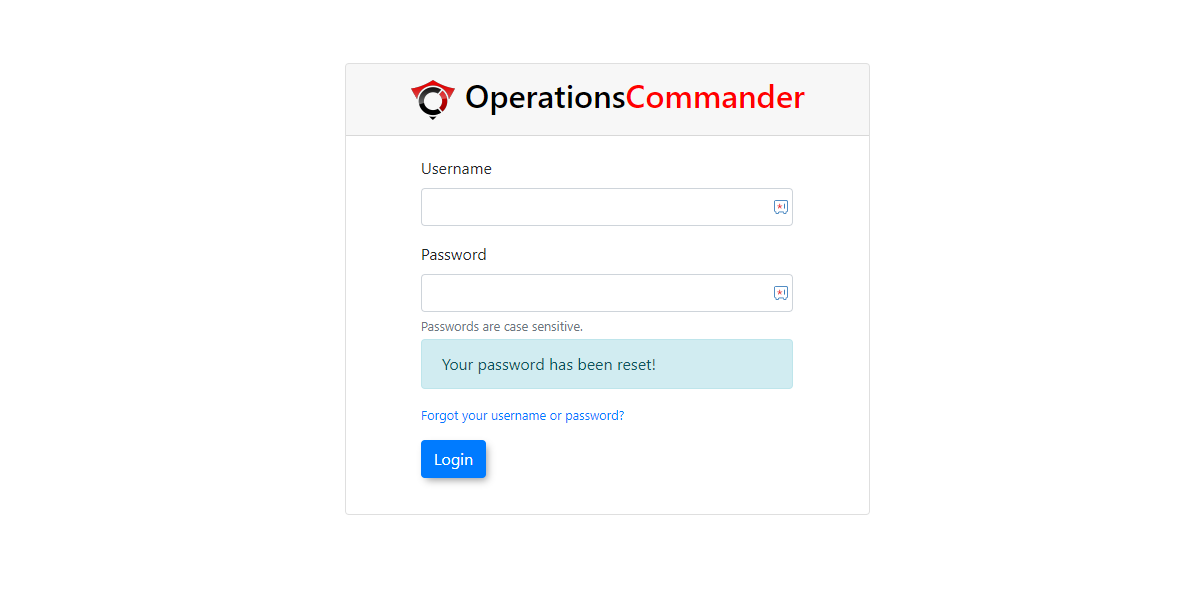
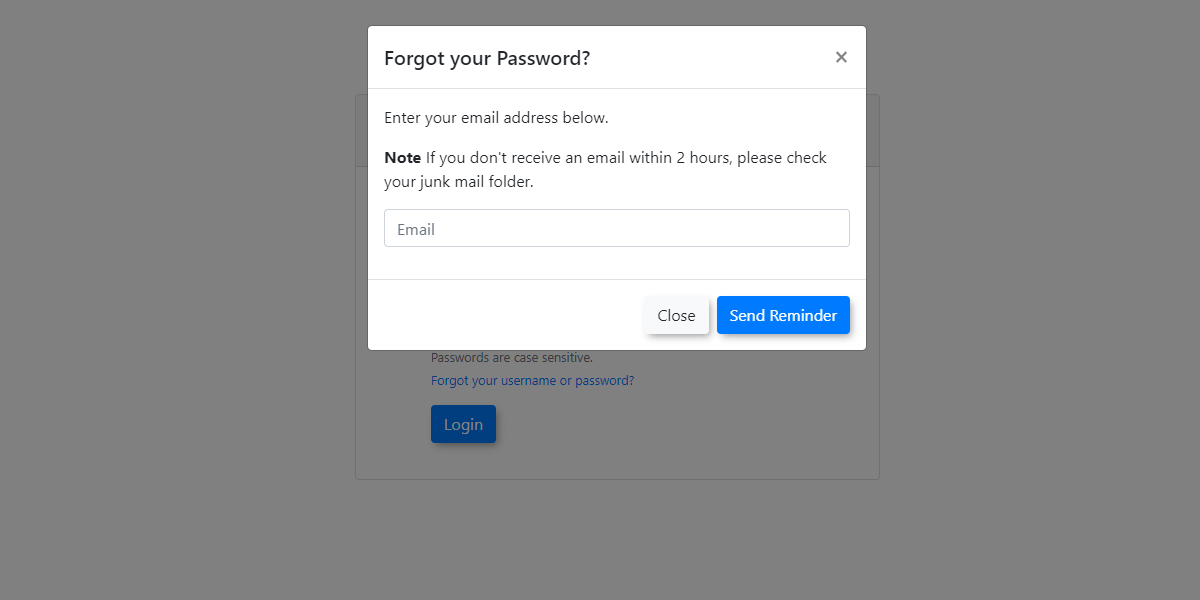
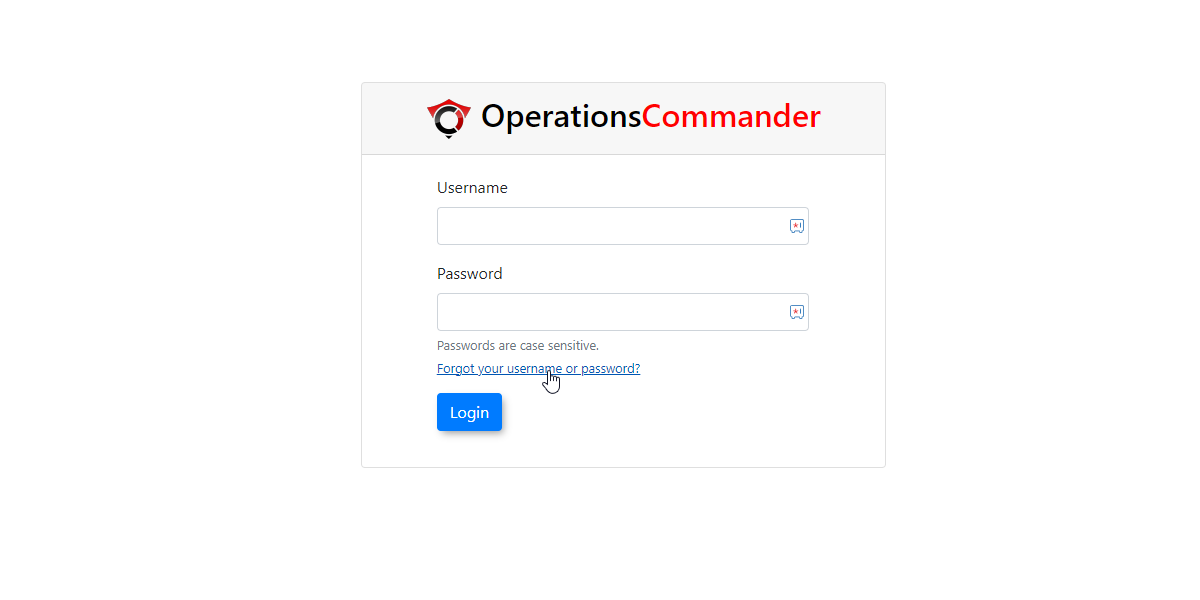
Navigate to the Admin Login page and click Forgot your Username or Password.
to -
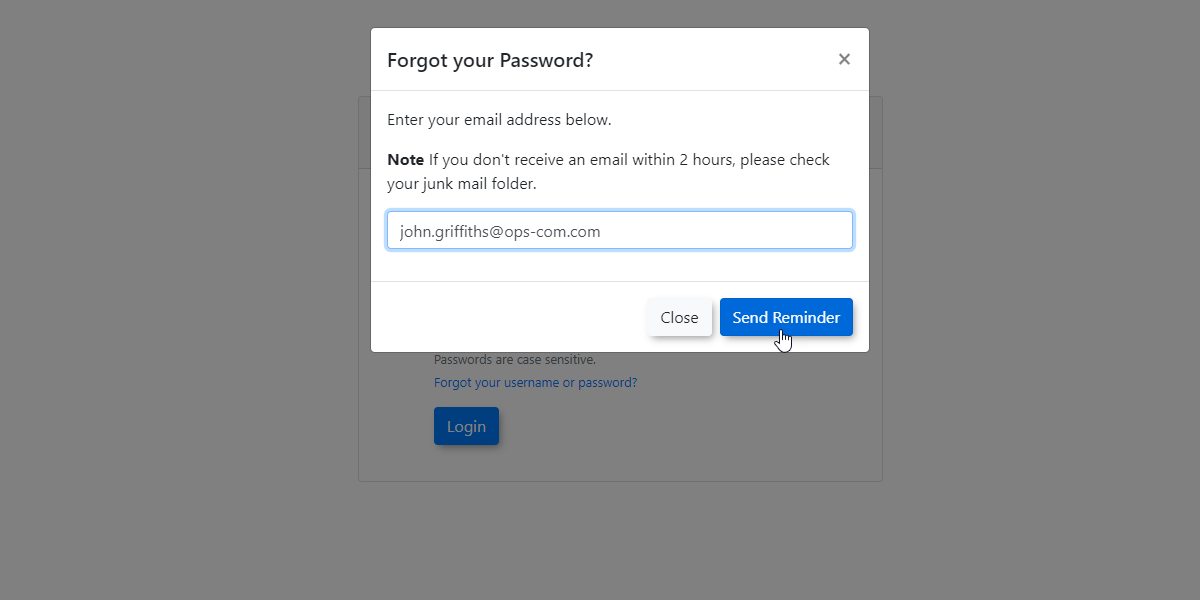
Enter the
process.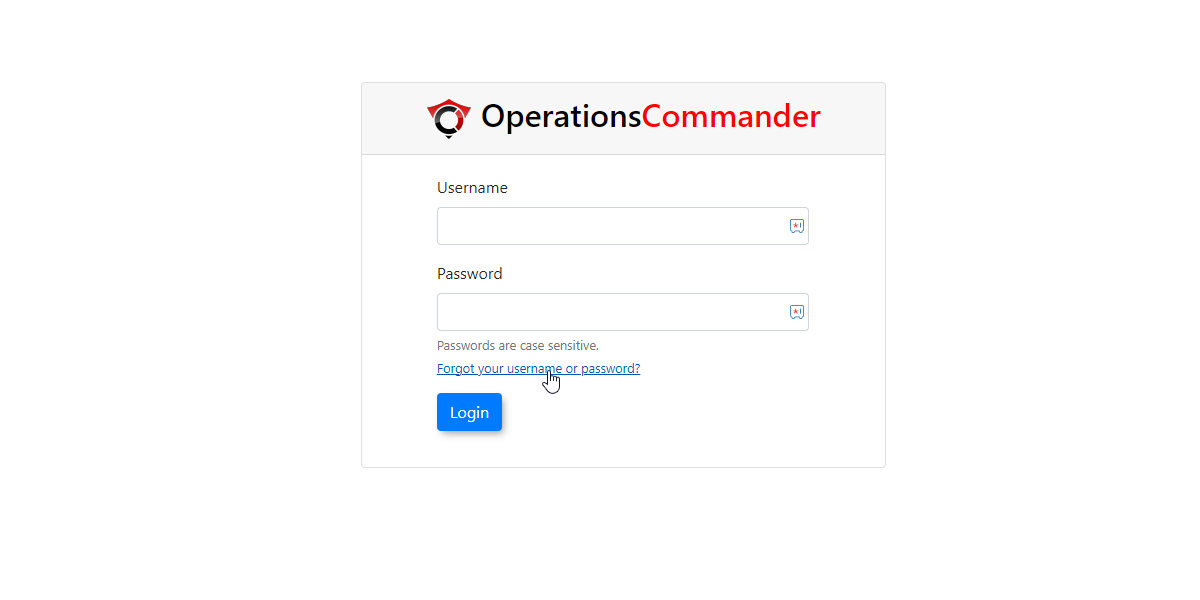
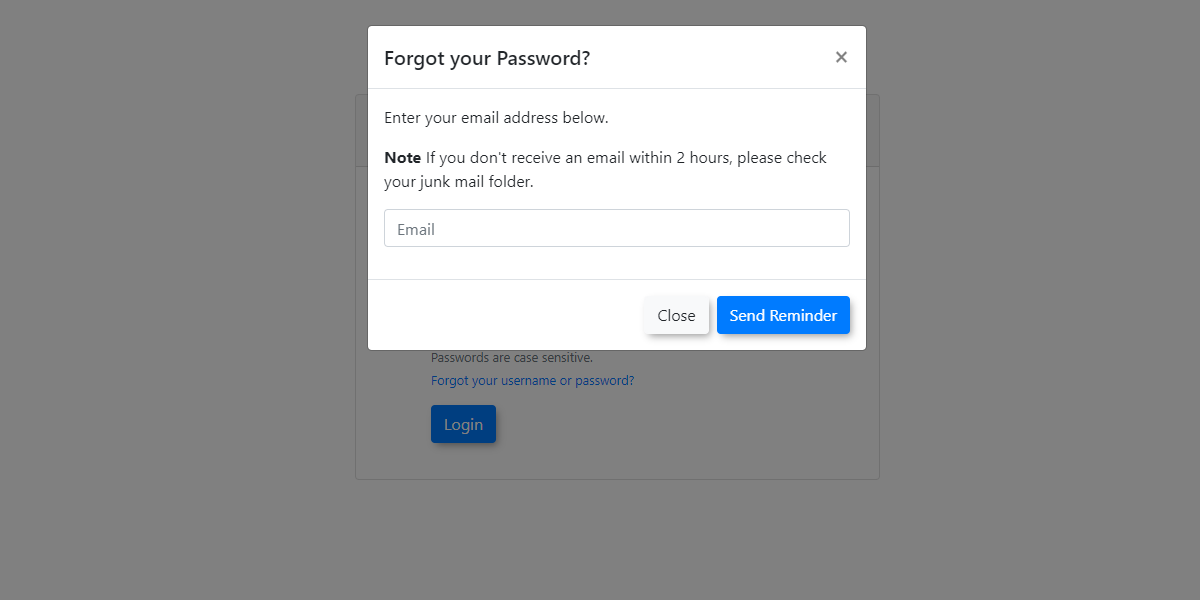
You will be prompted to enter yourvalid email address currently associated with your administrator profile. -
Click the Send Reminder
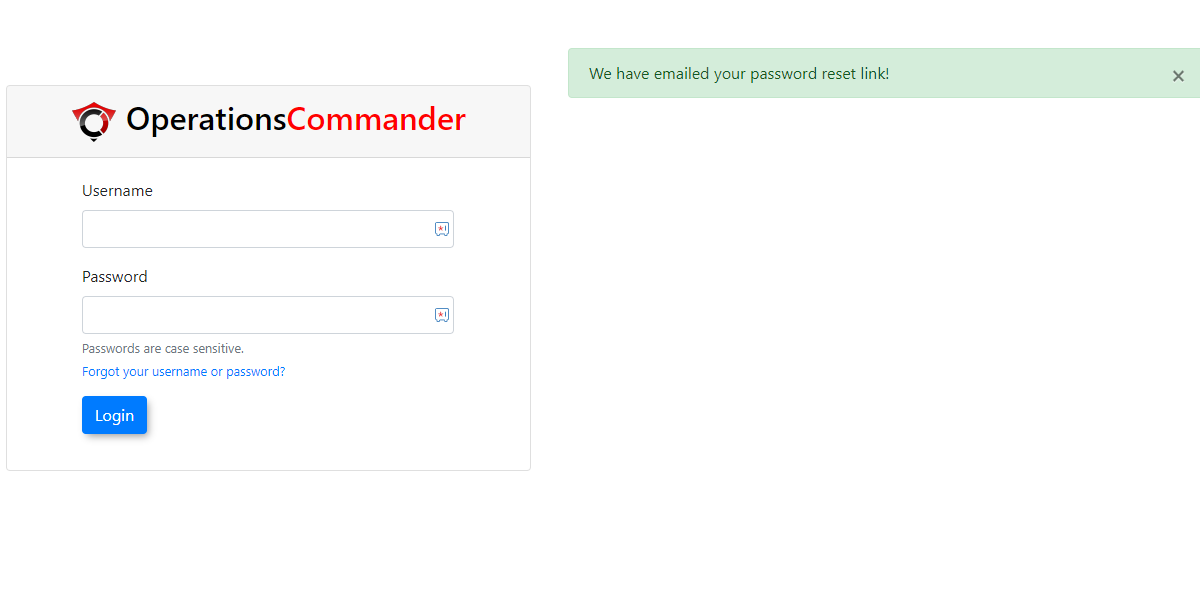
.Thisbutton to trigger the automated email. The screen will refresh to display a confirmation message. -
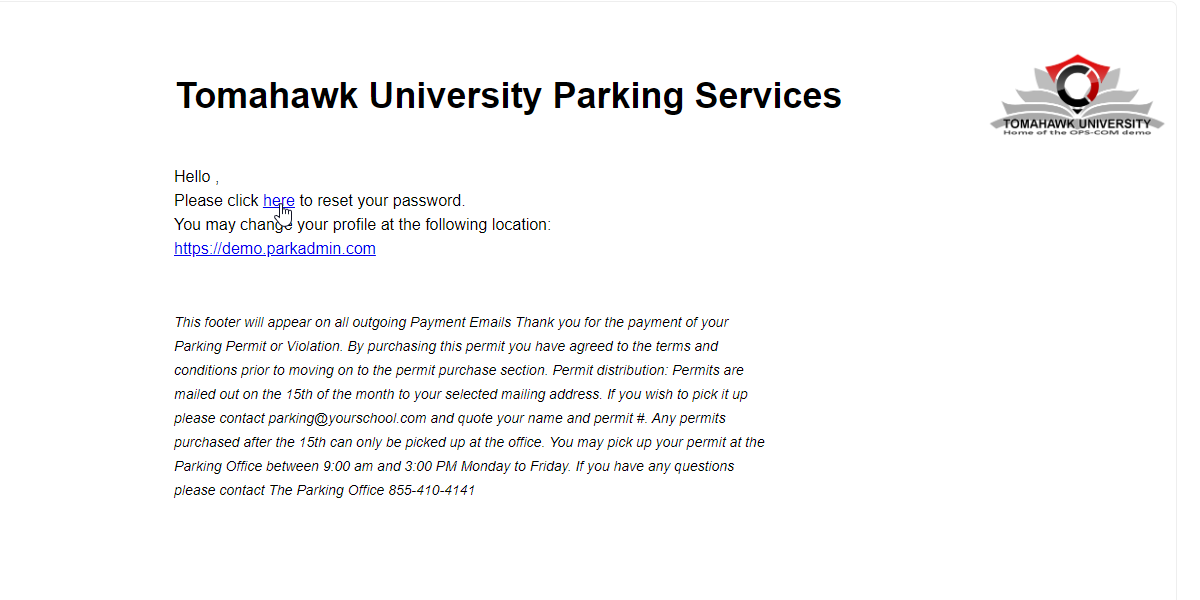
Check your email inbox for the password reset message and click the provided secure link.
-
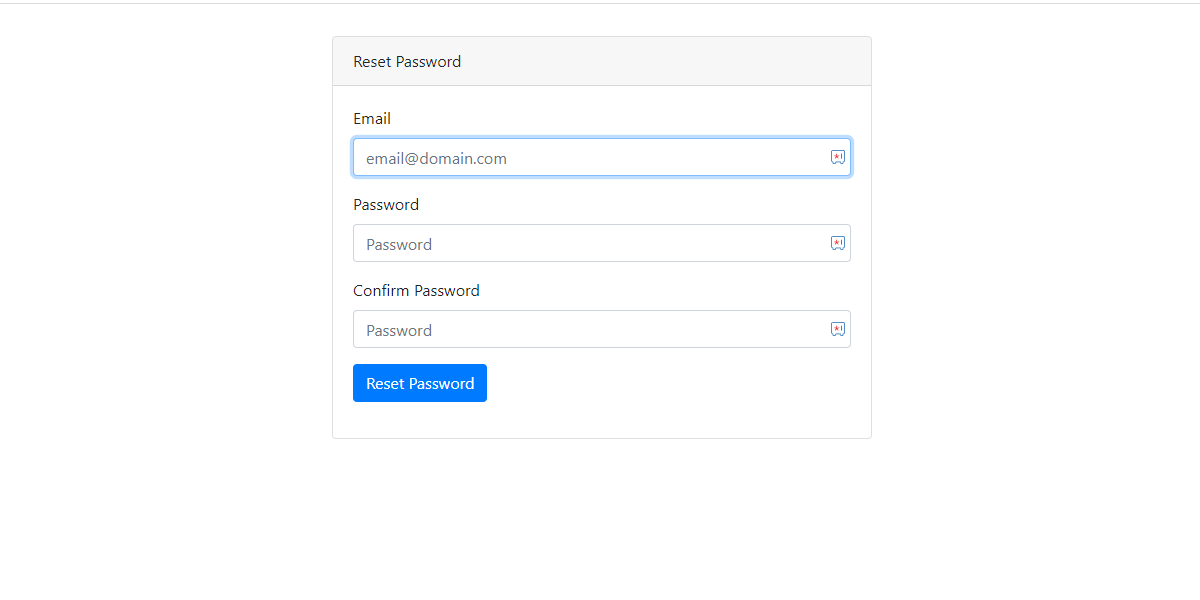
Enter your email address
must matchinto thecurrentlyrecoveryoneinterface.that -
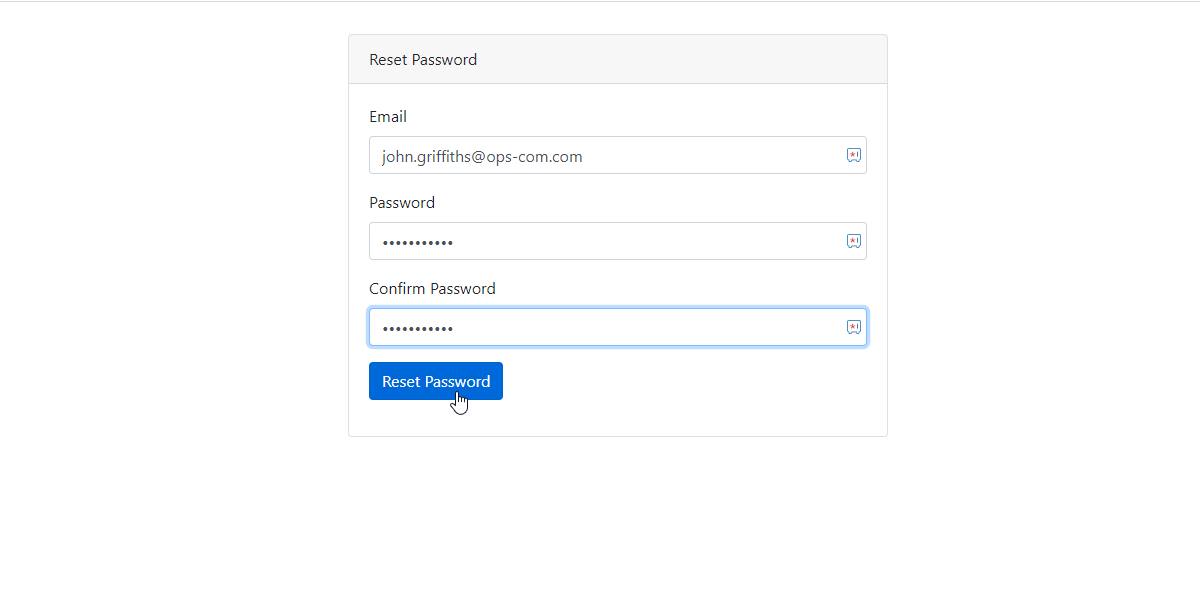
onEnter your new password, and type it a second time in the
Adminconfirmationuser's Profile.field. -
-
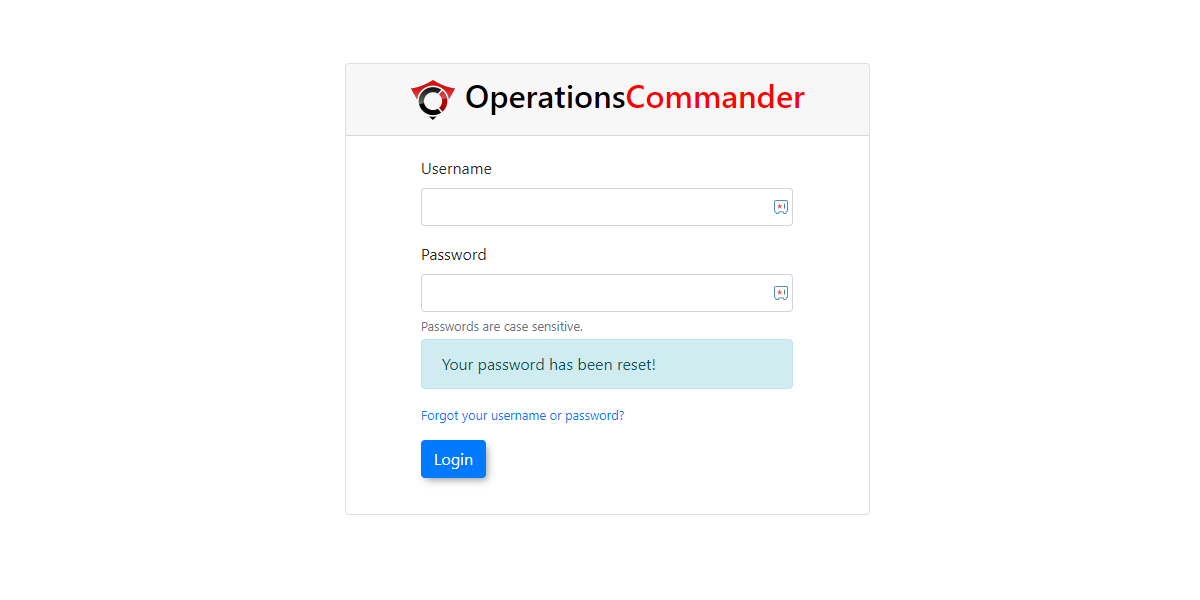
OnceLog in to the OPS-COM administrative portal using your newly created password.
If you havedo not receive the password reset email within a few minutes, check your spam or junk folders. The system will only send the email if the address entered exactly matches an active administrator profile.
Best Practices and Considerations
-
Maintain updated contact information: Ensure that the email address
isclickonSendyourReminderadmintoprofileproceed.
always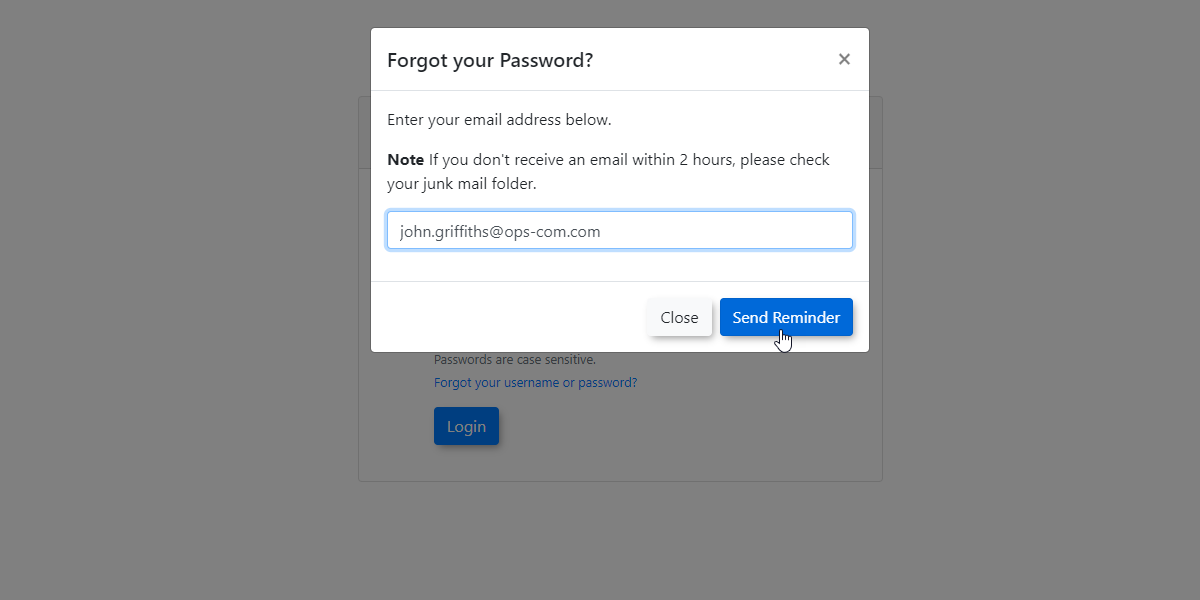
The screen wil refreshaccurate andyoucurrent.will get a message indicatingIf anemailadministratorhaslosesbeen sent with a reset password link included.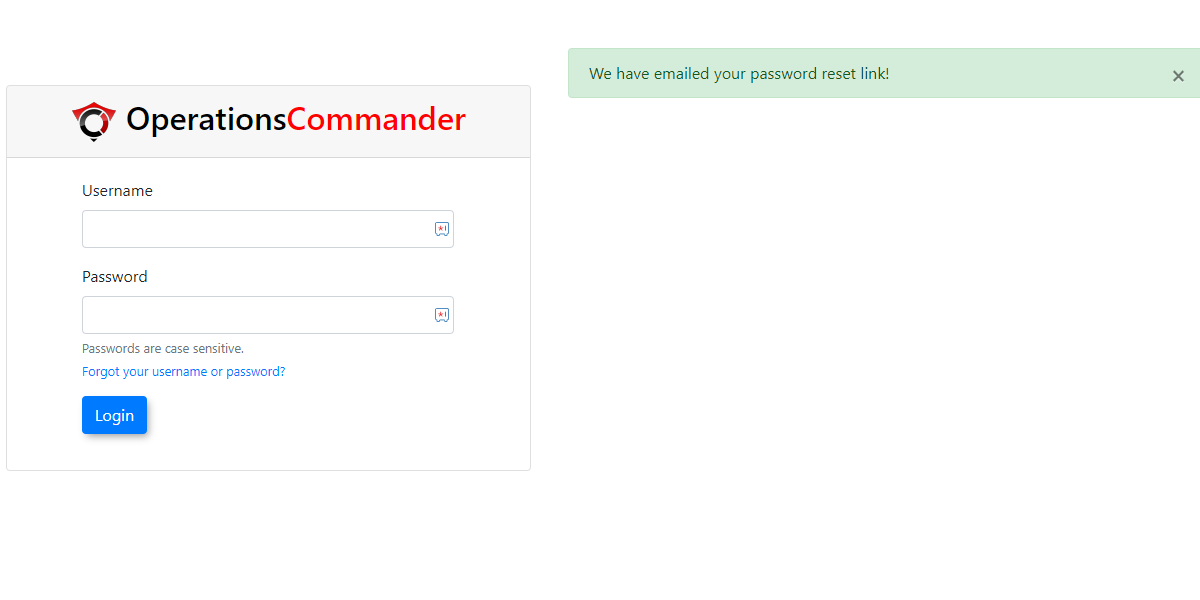
This is a sample of what that email could look look like. This email can be edited and configured inEmail Templates. SeeLost Passwords.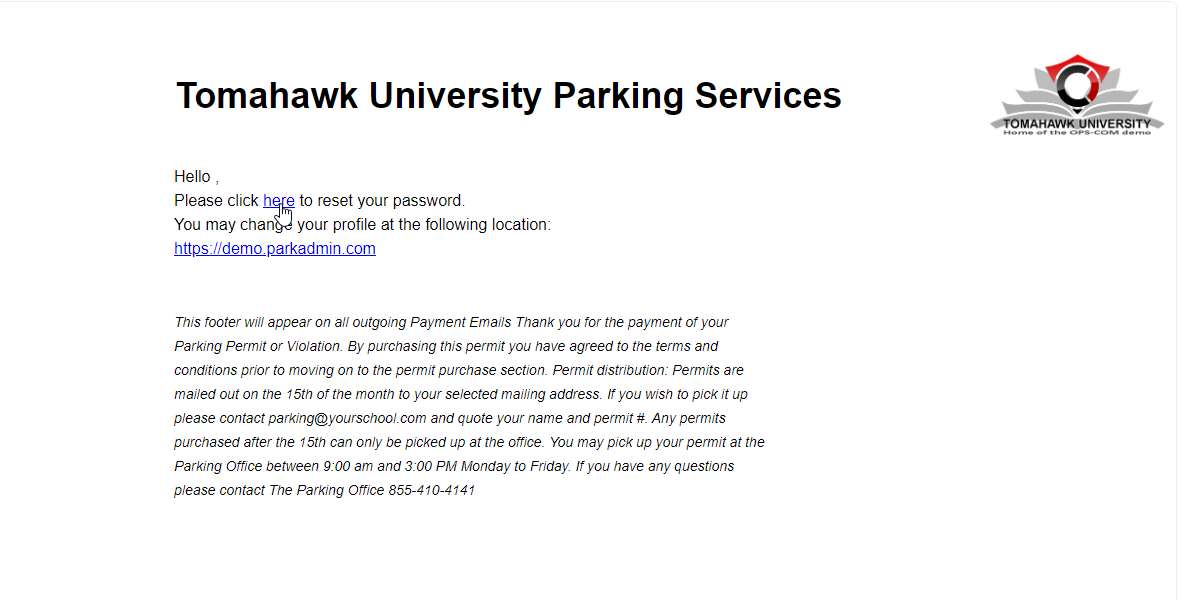
The email link will take youaccess toan interface where the admin will enterthe emailaddressaccountdiscussedonabovefile, they will be entirely unable to use this self-service reset feature and will be locked out until anewprimarypassword.Theadministratornewintervenes.password -
requiredCustomize the automated email: Organizations should configure the Lost Passwords email template to
bematchenteredinternaltwiceITfor confirmation.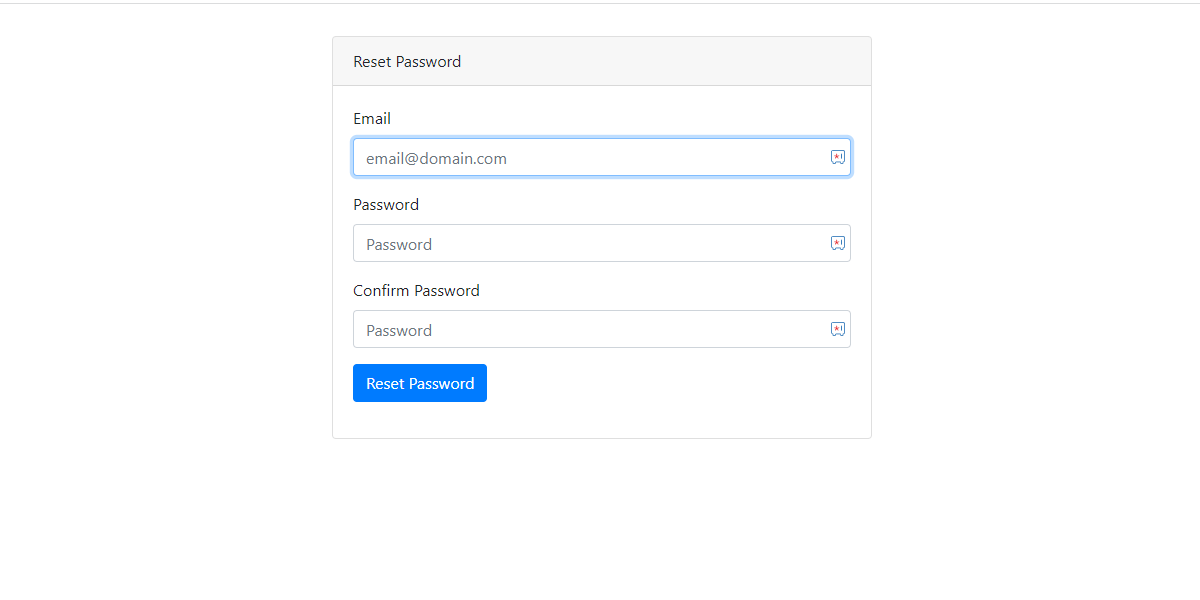
templateOnce a new password is chosen and entered, click onReset Passwordpolicies.toIncludingcompletespecific instructions or support contact details within theprocess.
helps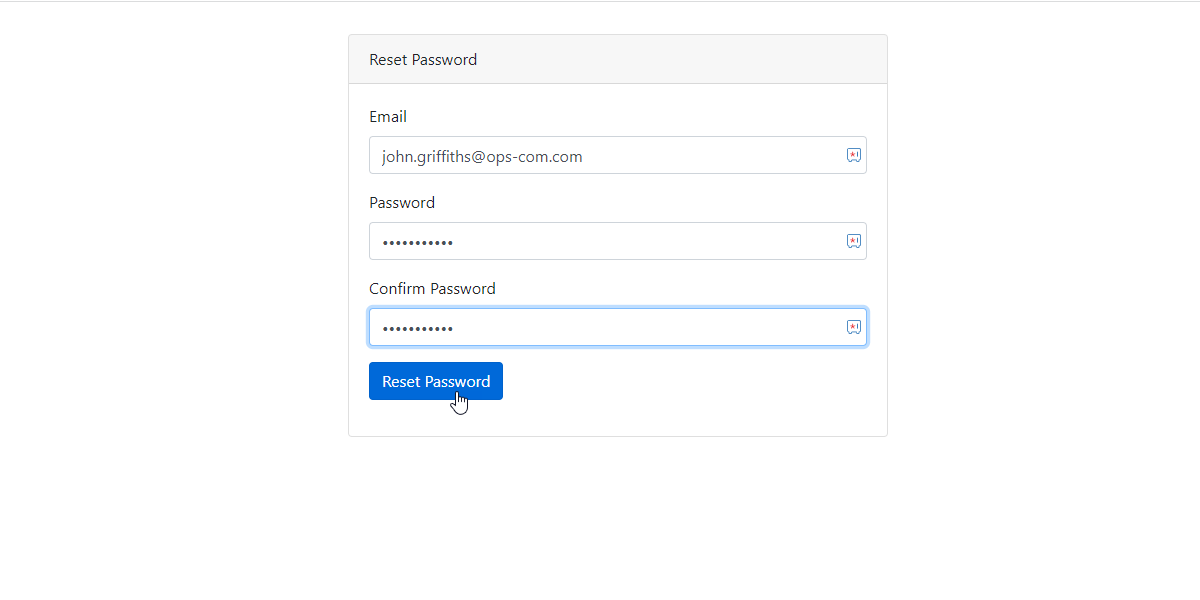
Thereduceadminconfusionwillifnowanbeadministratorableexperiencestoissueslog in usingduring thenewresetpassword they entered.process.