
Restricting Payment of Violations in Court Requested Conviction (CRC) Status
The Court Requested Conviction (CRC) payment restriction feature allows administrators to block users from paying for parking tickets that have been escalated to court or a collections agency. Its primary purpose is to ensure that escalated violations are handled through the proper legal or administrative channels, while still allowing authorized staff to override the block if necessary. This article is intended for OPS-COM administrators responsible for system configuration and collections management.
Setup and Configuration
Configuring this feature requires adjusting global system settings to restrict the users, followed by updating role permissions to grant specific administrators override capabilities.
Configuring Global Restrictions
-
ClickHover over System Configuration
,and click System Settings.to -
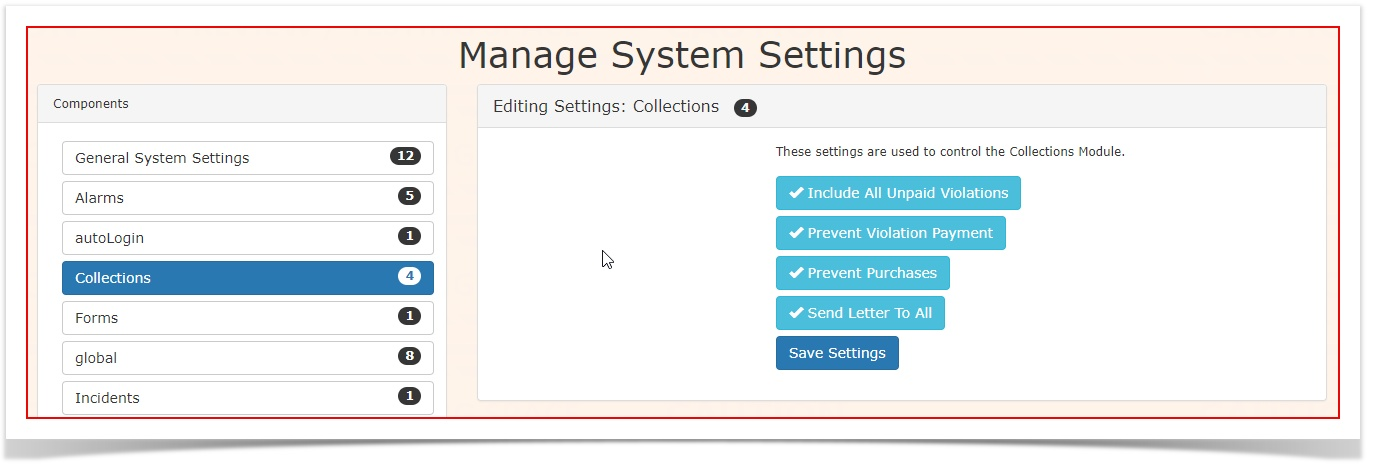
Locate the settings
that pertainpertaining toCollectionscollections.are -
to disallow payments while violations are underEnable the
CRC status.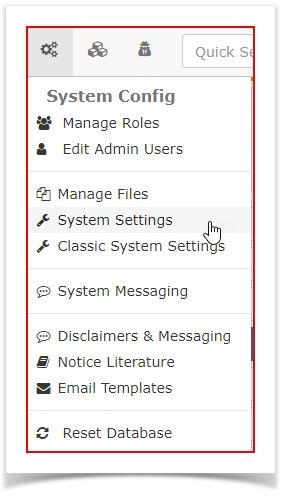
Ensure that the following settings are enabled and save the settings:-Prevent Violation Payment
checkbox to stop users from paying escalated fines.-
Enable the
-Prevent Purchases
ThereareSave
twoyourpermissionssettings.that
Configuring theAdministrative treatmentOverrides
-
forHover over System
CRCConfigurationitems. To setup these permissions,and clickSystem Configuration, ManageManage Roles.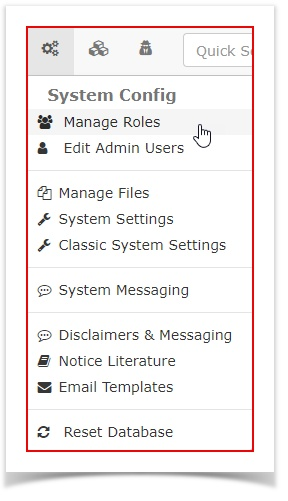
-
Select the role you wish to
addgranttheseoverride abilitiesto. In this example we will add themto (e.g., PrimaryAdminAdmin). -
Click
onPermissions to access the role settings.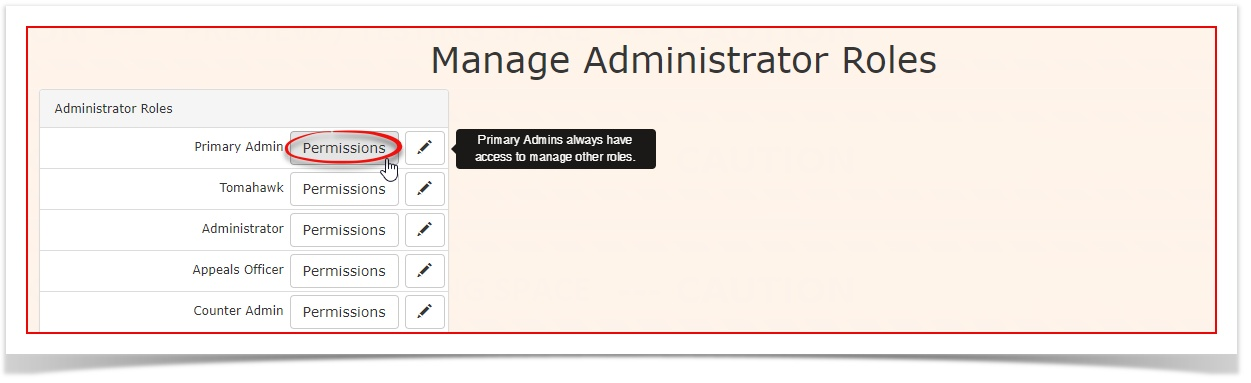
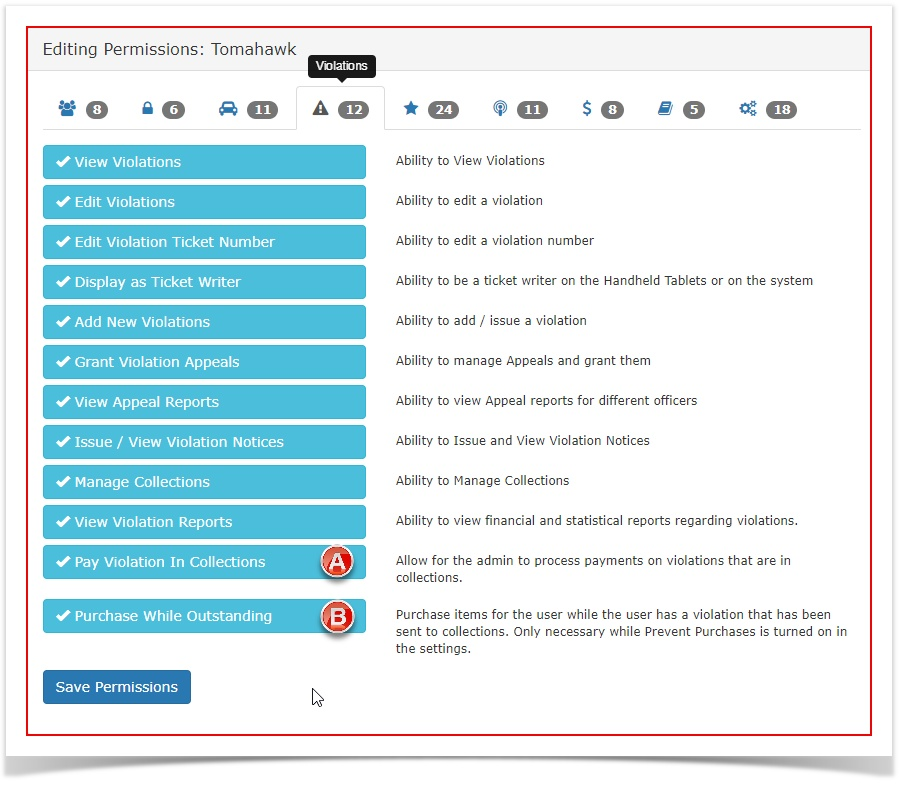
UnderClick the
violationsViolationsTabtab.ensure-
theseEnable
two settings are enabled:(A)the Pay Violations In Collections.(Allowscheckbox. This allows theAdminadministrator to manually process payments on violations that are in collections.)
(B)A) -
Enable the Purchase While Outstanding
(Allowscheckbox. This allows theAdminadministrator topurchaseprocessitemspurchases (like permits) fortheauseruser,whileeventheifusertheyhashave a violationthatsent to collections. (B) -
Save your role changes.
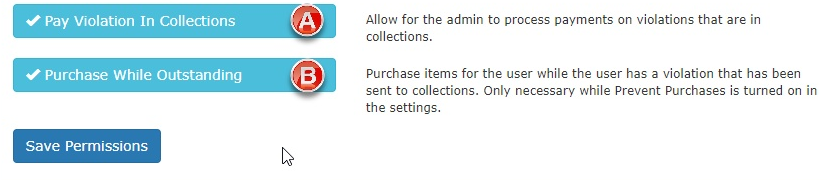
The Purchase While Outstanding administrative permission is only necessary if the Prevent Purchases setting has been enabled in the global system settings.
Using this Feature
Once configured, the system automatically handles how CRC and collections violations are presented to different user types.
End User Experience
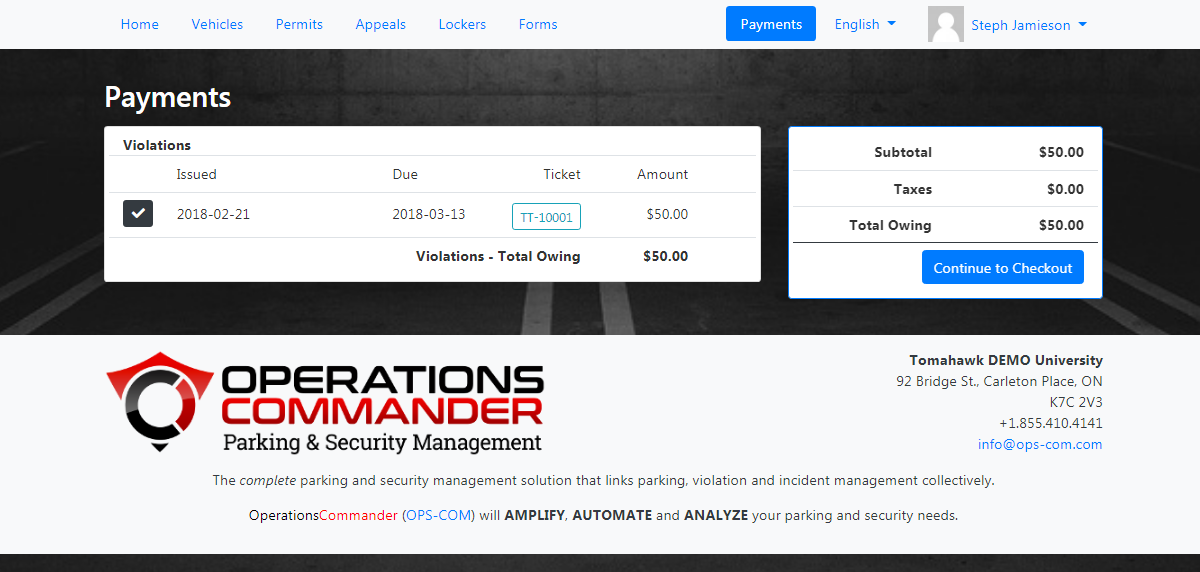
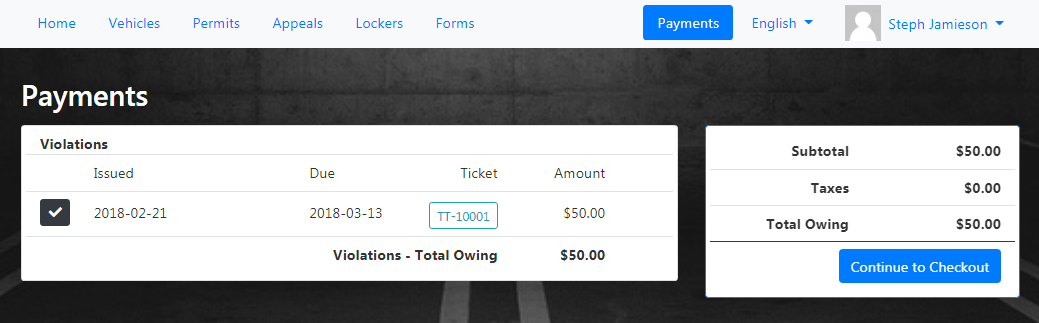
When a user views a violation with the "Sent to CRC" status in their portal, they will see a notice indicating the violation has been sent to collections. This is only necessary while Prevent Purchases is turned on in the settings.
Administrator Experience
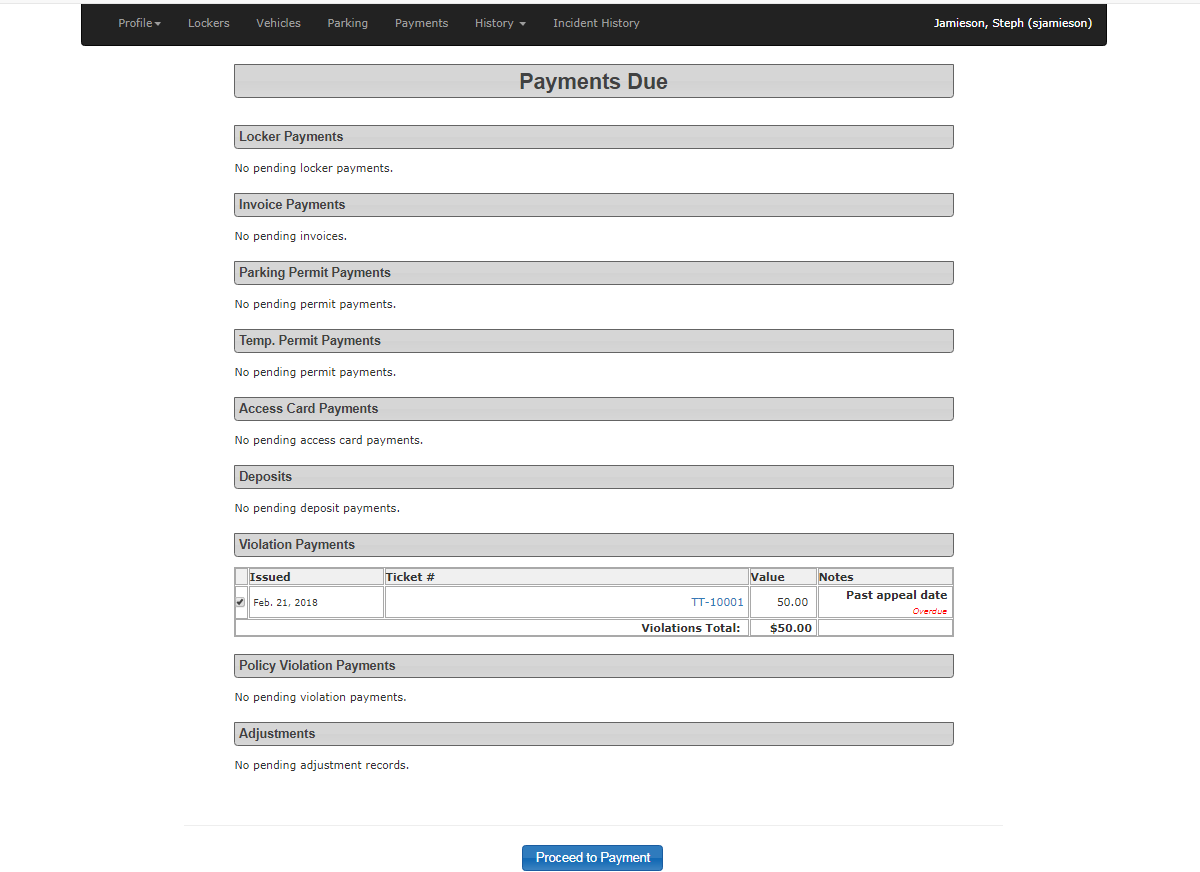
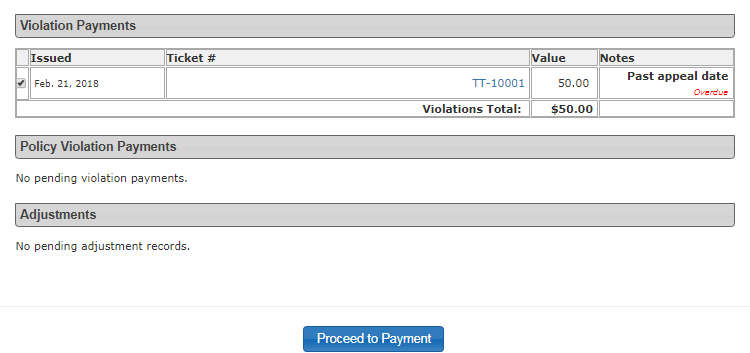
Administrators viewing the same user profile will see the "Sent to Collections" status. However, if the administrator's role has the override permissions enabled, the payment fields and buttons will remain active, allowing them to manually collect and process the payment on behalf of the violation.
Best Practices and Considerations
-
Business Rules for Overrides: Organizations should develop a clear business rule detailing exactly when an administrator is allowed to use their override permission to accept a payment for a CRC violation, versus when they must direct the user to the court or collections agency. -
Clear Communication: Consider updating your notice letters and email templates to clearly inform repeat offenders that once a ticket reaches CRC or collections status, their portal payment privileges will be suspended.