
Text2ParkMe - Active Permits
The Text2ParkMe Active Permits report allows administrators to view a real-time list of all currently active and unexpired Text2ParkMe parking sessions. Its primary purpose is to help monitor mobile parking payments and easily audit current lot usage. This article is intended for OPS-COM administrators.
Setup and Configuration
There is no specific configuration required to access this report, provided that the Text2ParkMe feature is active in your environment and your administrative user role has the appropriate reporting permissions.
Using this Feature
This report automatically displays all Text2ParkMe permits that are currently active and have not yet expired as soon as the page is opened.
-
Hover over Parking Management and click Permit Management then Text2ParkMe - Active Permits.
-
Review the automatically generated list of active permits.
-
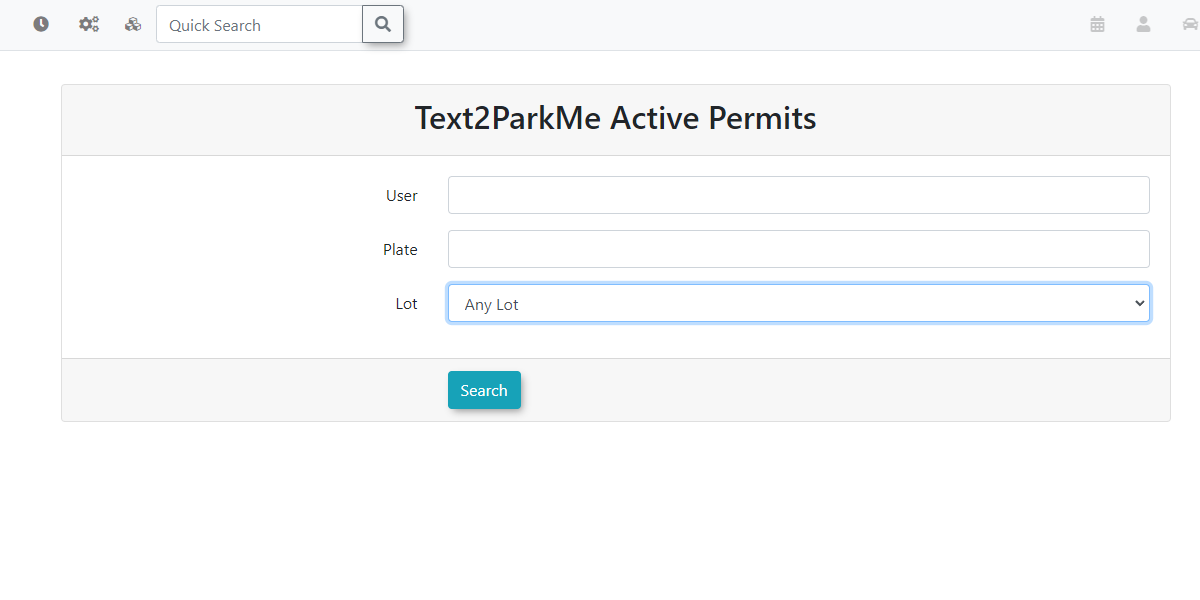
Enter your desired criteria into the User, Plate, or Lot Name search fields to narrow down the results.
-
Click the Filter Report button to update the listing based on your search criteria.
-
Click any Username link in the results to navigate directly to that specific user's profile.
Key Information Displayed
-
Active Permits: Only permits that are currently valid and unexpired are displayed on this page. Historical or expired Text2ParkMe sessions are excluded.
-
User Profiles: The Username field serves as an active link, allowing you to quickly jump to a user's profile for deeper investigation.
Best Practices and Considerations
-
Filtering for Enforcement: Routinely use the Plate and Lot Name filters when assisting field enforcement officers or verifying if a specific vehicle has a valid, active mobile parking session.
Because this report automatically populates active permits upon opening, you do not need to click search to see current activity. Simply accessing the page provides an immediate snapshot of current Text2ParkMe usage.