
Using the OPSCOM App in DEMO Mode
Demo Mode
The Using the OPSCOM App in DEMO Mode feature allows users to explore and test the legacy OPSCOM Parking Enforcement app can be used in Demo modeapplication without needing to officially register a handheld device. Its primary purpose is to provide a safe, pre-populated sandbox environment for training and familiarizing staff with the software's core functions. This article is intended for OPS-COM administrators and field enforcement personnel.
Setup and Configuration
No formal registration or backend configuration is required to access the demonstration environment.
Admin Side: Administrators do not need to registerconfigure aspecific user permissions or device profiles within the core OPS-COM portal for devices operating strictly in demo mode.
User Side (Enforcement Staff): Enforcement officers simply need to ensure the legacy Android application is successfully installed on their handheld device.
Using this Feature
BootingEnforcement personnel can bypass the standard device registration screen to access a fully functional, pre-populated version of the application for testing purposes.
Accessing Demo Mode
-
Boot up the
deviceapplication after the initial installationwillonbringyouryouAndroidto a screen where you can choose to register the handheld unit or run in DEMO MODE.device.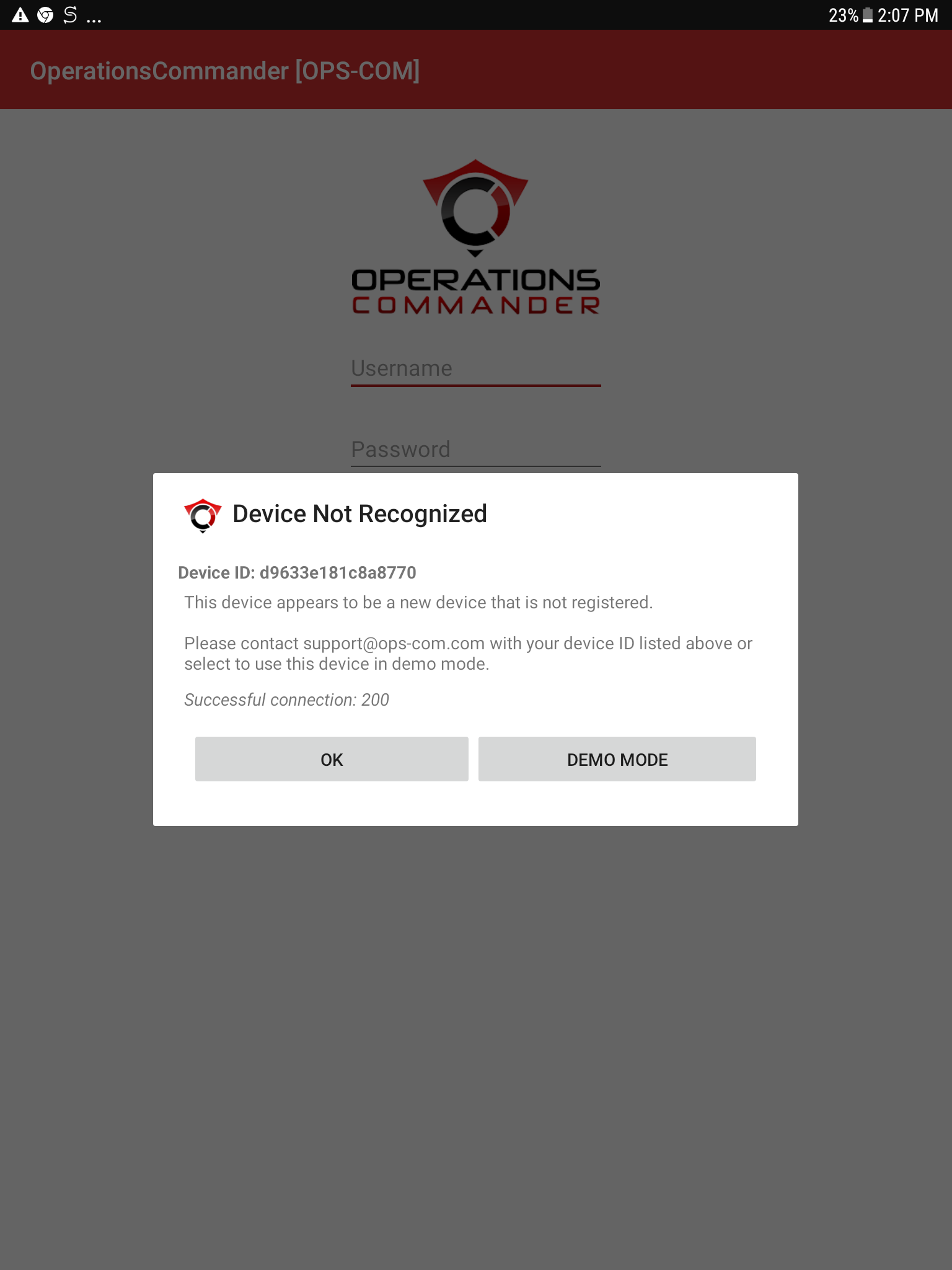
-
By tapping onTap DEMO MODE on theuserinitial Device Not Recognized pop-up screen. -
Review the sign-in screen. The demonstration username and password credentials will
beautomaticallysentpopulate.to -
sign in screen where theTap
sign in credentials are already supplied. The user will be able to sign in with these credentials and explore the app.Simply tap onMainmainIndexindexscreen.screen and begin testing.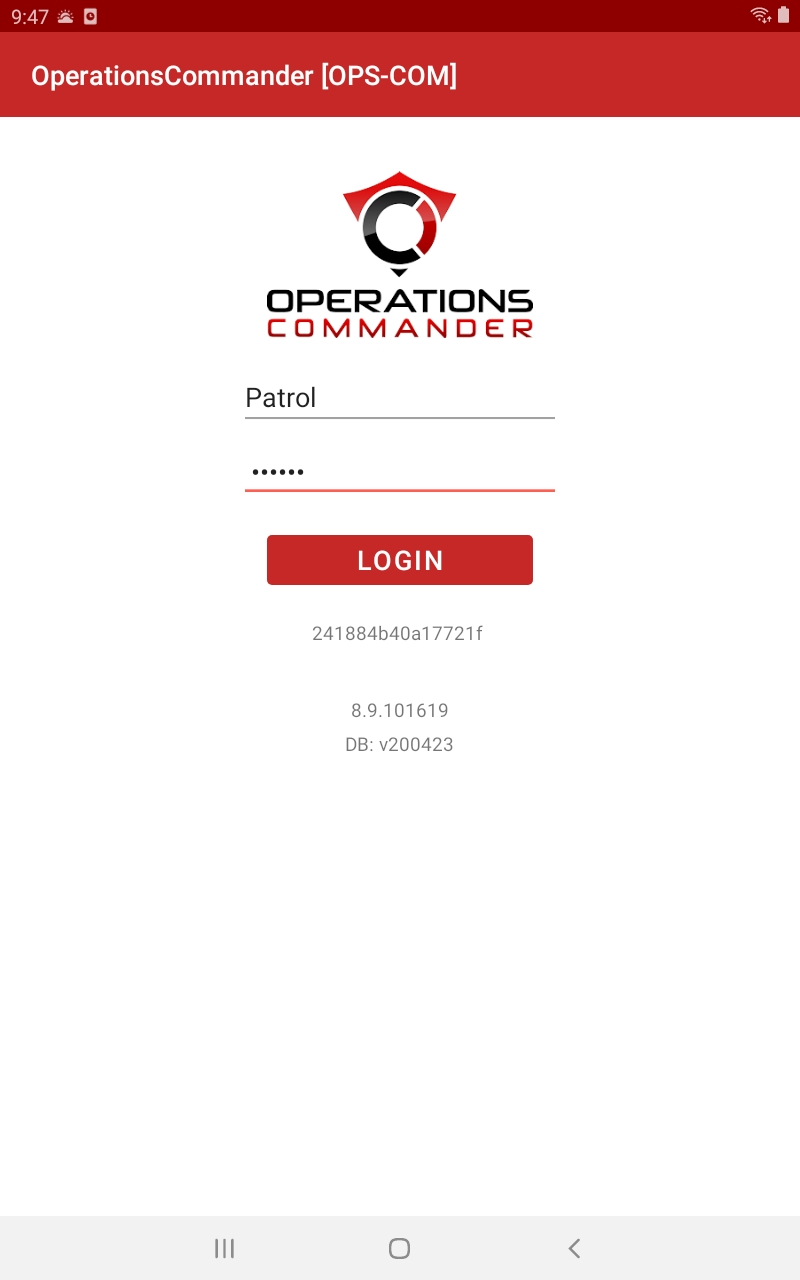
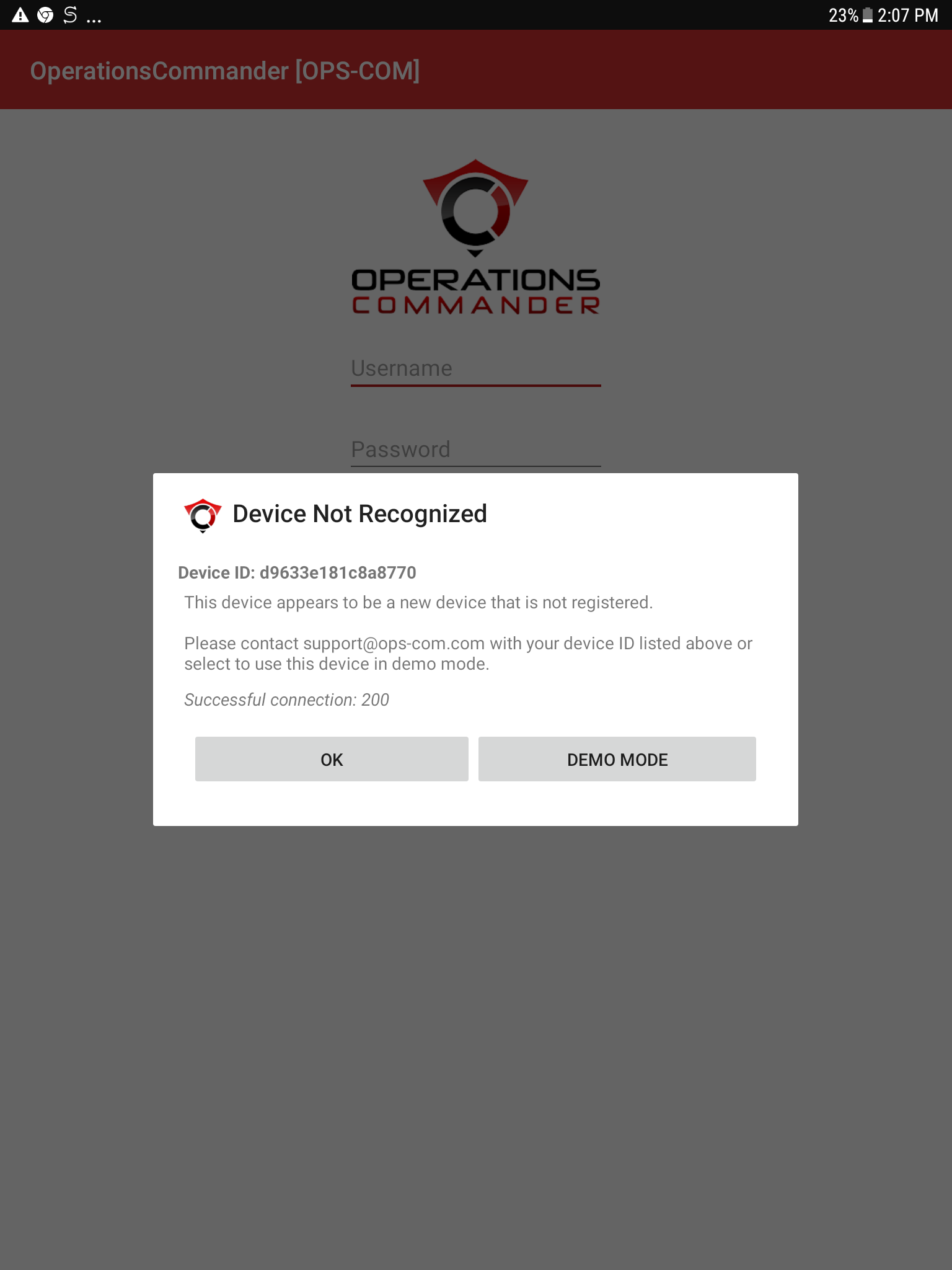
DEMO Login
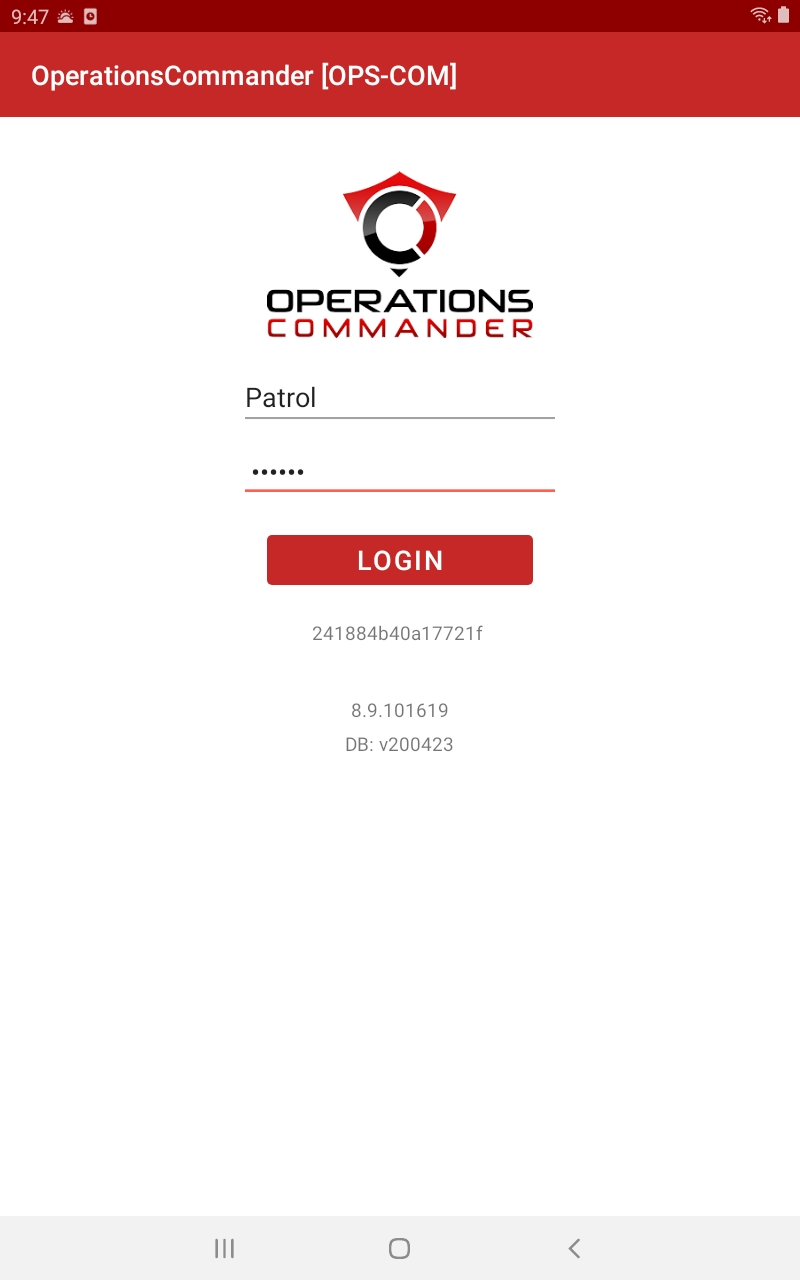
Available Actions and Testing in Demo ModeScope
Once youlogged log in tointo DEMO modemode, youusers maycan test:practice various core enforcement actions without affecting live database records. Recommended testing actions include:
-
Searching
VehiclesVehicles: Querying by plate or VIN. -
Searching
PermitsPermits: Verifying active and unpaid permits. -
Searching
PeoplePeople: Looking up user profiles and associated vehicles. -
Virtual Chalking: Practicing the digital tire chalking workflow.
-
Issuing Violations: Generating both person and plate-based citations.
Key Information Displayed: Test Data Profiles
The followingdemonstration chartenvironment suppliesis apre-loaded with sample ofdata. Use the datafollowing availableprofiles forto testingtest indifferent thesearch demoqueries, site.permit statuses, and violation scenarios:
|
Username |
First Name |
Last Name |
User Type |
Plate |
VIN Number |
Violations |
Permits |
|
spencer |
Spencer |
Carr |
Full Time Staff |
SPENCE |
|||
|
jparsons |
Julie |
Parsons |
Complimentary |
JULPAR ASDA347 |
1q21242143124213 |
COM100 - Unpaid |
|
|
jrockwood |
James |
Rockwood |
F/T Student |
JROCK |
5SXHANDC38RZ55506 |
R102 - Red Student Lot W |
|
|
sjamieson |
Steph |
Jamieson |
P/T Student |
SJAM SJAM2 |
2T1BU4EE5DC972469 1N4AL3AP5DN517821 |
TT-10001 |
100 - Red Student W
102 Red Student W |
|
johndoe |
John |
Doe |
F/T Staff |
ABC316 |
1FMCU0EG1CKB65454 |
501 - Unpaid |
|
|
skjones |
Jones |
Sarah |
Daily Reserved |
AKRJ259 |
|||
|
vcosta |
Voula |
Costa |
Daily Reserved |
VCOST |
2GCEC19V531113601 |
L103 - Unpaid |
|
|
bcameron |
Brady |
Cameron |
Complimentary |
BCAM |
COM100 - Unpaid |
||
|
sbyers |
Sheldon |
Byers |
Daily Reserved |
SHELBY |
1G8ZN12871Z117051 |
L100 - Unpaid |
|
|
pbirch |
Patricia |
Birch |
F/T Staff |
BIRCH No Plate |
1N6AD0ER5FN709323 1GKS1AKC7FR518845 |
TT-10003 |
None |
|
mashbury |
Micheal |
Ashbury |
P/T Staff |
MASH ASDA437 BDHE385 |
JNAMA43H9XGE50339 |
15-170420 TT-10010 |
Monthly 0005 - Red Staff Lot West 0002 - Red Staff Lot West 50 -After 4PM 500 - Green Staff Lot East - UNPAID |
Some
ThingsBest toPractices Test
and The following is a list of articles that will guide you through some features of the software:
-
OrganizationsSearchingUse demo mode foratraining:plate.should
ruleIssuingestablish aPersonbusinessViolationrequiring - all
toIssuingnewafieldPlateofficersViolationcomplete - training
inVirtualexercisesChalkingDEMO - MODE
PermitsbeforeSearchissuing live tickets. This ensures staff are comfortable with the interface and prevents accidental test violations from entering the live production database.