
Part 2: Handheld Set-Up
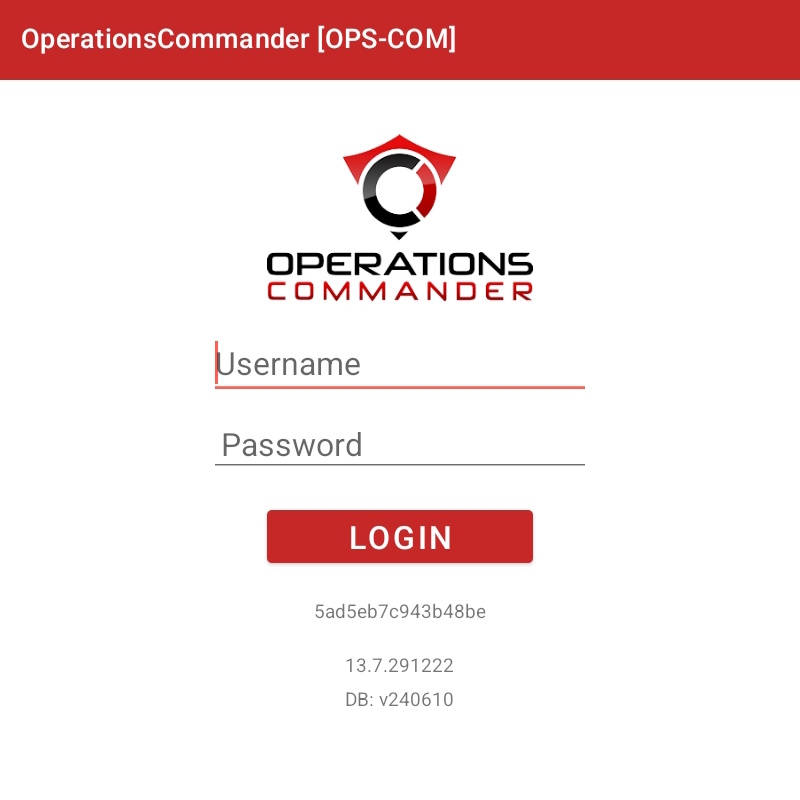
- Select the OPSCOM app
inontheyourtop-leftdevice. - Log in with your OPSCOM admin username and password.
- For this demo, use:
- Username:
trial-demo-user - Password:
hC8~1H0o
- Username:
- For this demo, use:
trial-demo-userhC8~1H0o