
Edit a Violation
The Edit a Violation feature allows administrators to modify the details of an existing parking ticket, including processing appeals and updating fine amounts. Its primary purpose is to help correct enforcement errors, adjust penalties, or formally void a ticket while maintaining an accurate system record. This article is intended for OPS-COM administrators.
SearchingSetup and Configuration
There is no specific system configuration required to use this feature. Editing a violation is a standard administrative tool available to users with the appropriate violation management and appeals permissions enabled on their account profile.
Using this Feature
Administrators can update basic ticket information or process manual appeals directly from the violation record.
Accessing the Edit Window
-
Search for the
ViolationspecificFollowviolation. Detailed instructions can be found on thesteps to search for a violation -Search for a Violationas an Administratorpage. -
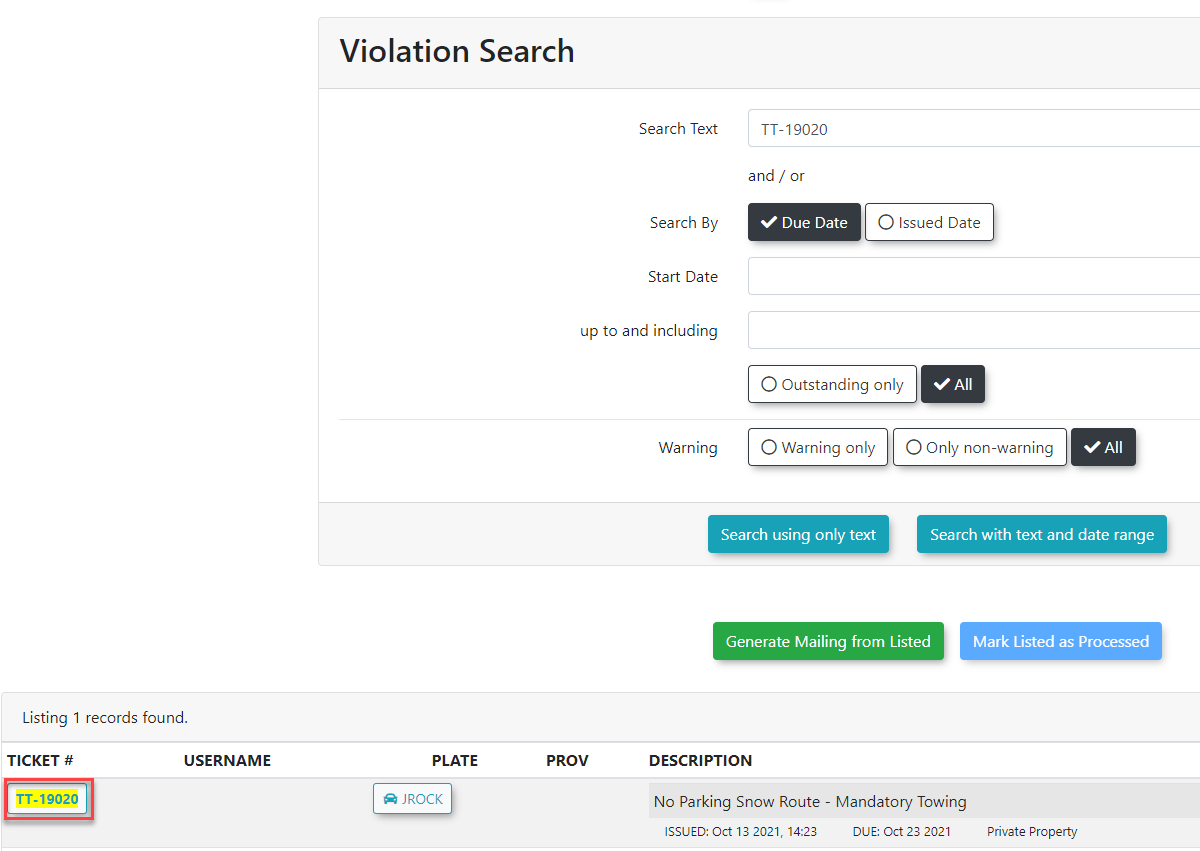
AtClick thebottomspecificofTICKET# link from the returned records on the Violation Searchscreen, the returned records will be displayed.Getting to the Violation InformationClick theTICKET#screen to open the Violation Information window.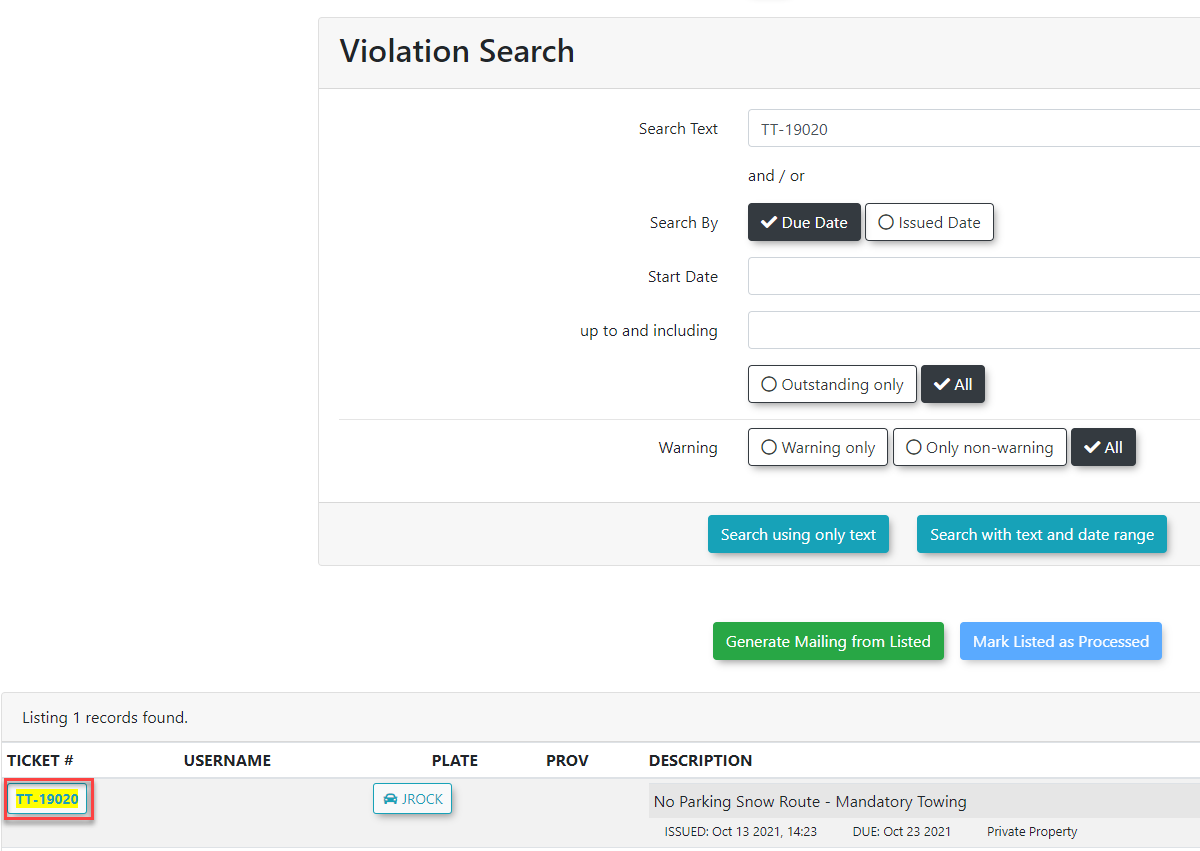
-
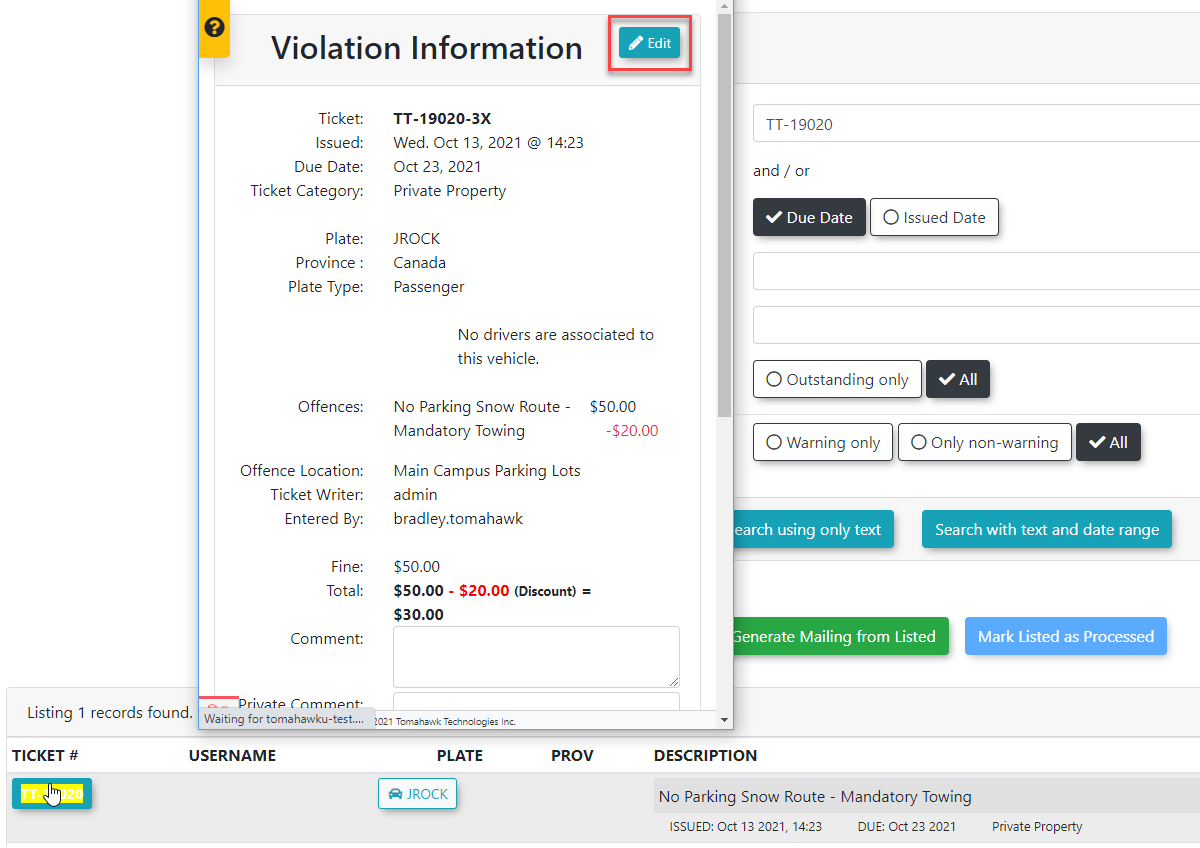
A new window will appear with theViolation Information.You can edit the violation fromClick the Edit button located at the topright,right of the screen, orbyselect it using the Actiondropdowndrop-down menu.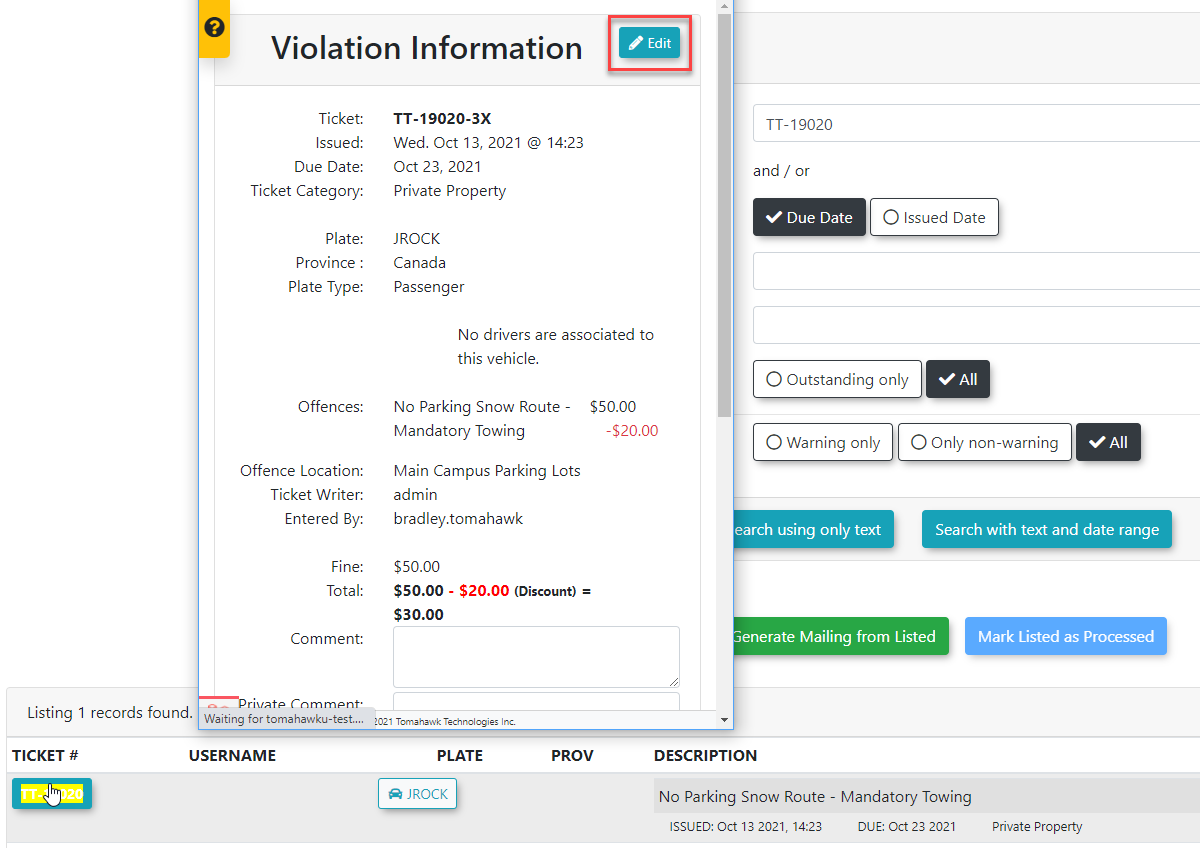
Modifying Violation and Appeal Details
-
YouMakewillanybenecessarytakenchanges to the basic violation information on the Edit Violation Information window.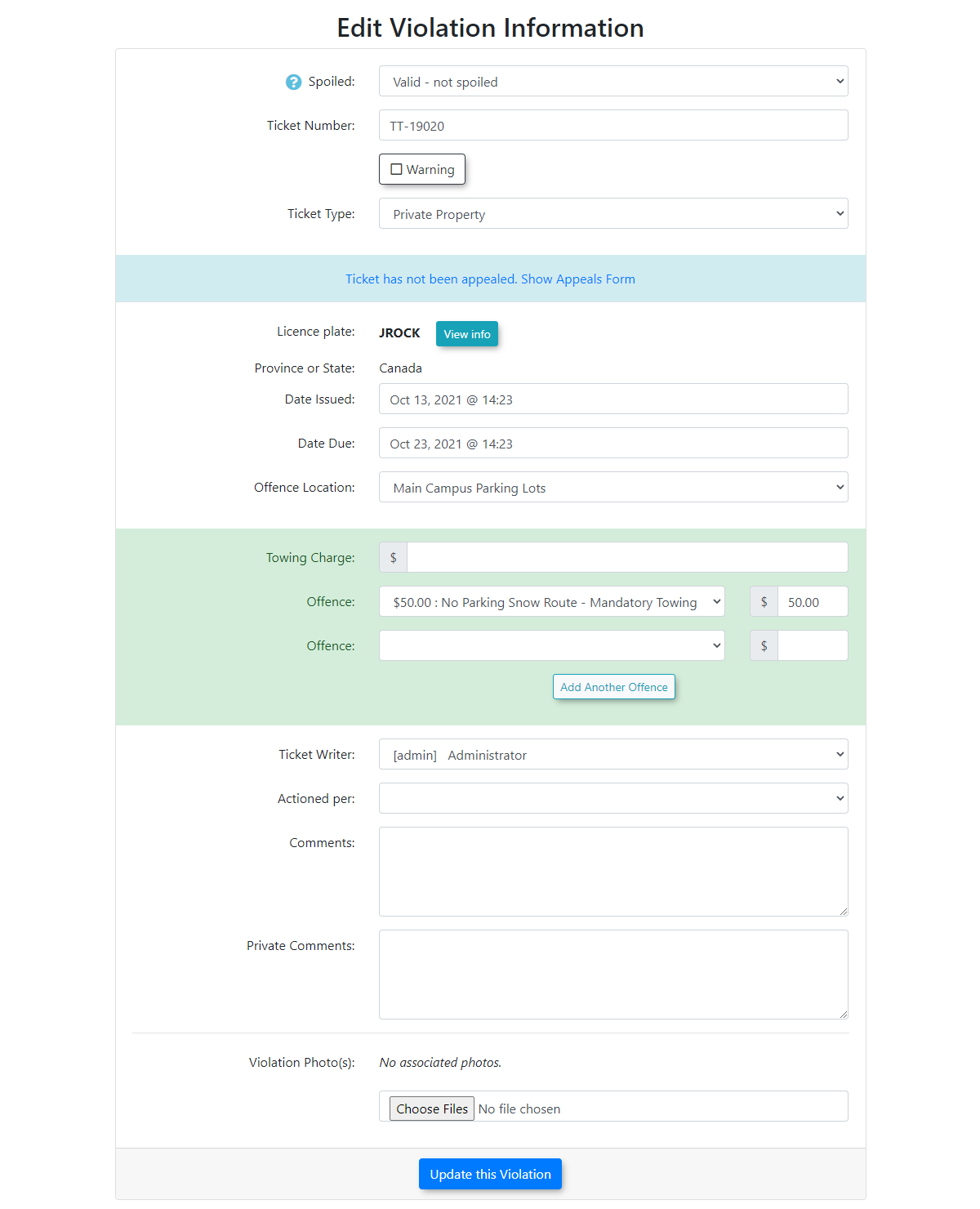
-
IMPORTANTAPPEALS GRANTED, REDUCED OR CANCELLED TICKETS CANNOT BE EDITED AGAIN AND ARE NO LONGER ELIGIBLE FOR DISCOUNTS.Violation Notes can be used for further comments. If the ticket has been appealed and the user goes to a higher power to have the ticket overturned, then you can edit the ticket and change it to a warning this will keep the information and change it to a zero value and complete the processing. This will also keep the history so that the Admin will still know that they had a ticket in the past. A comment can be added to the warning to further explainAdministrators can make changes to basic information and deal with appeals for this Violation however once a user pays for the violation the comments are locked and admins must use theViolation Notesfor further comments. Simply clickClick the Ticket has not been appealed. Show appeals form text link togetreveal theappealappealsinformation.section. -
HighlightedConfigureintheyellowspecificisfields within the Appealssection.AreaTheasdifferent fields in the 'Appeals Area' are explained below:needed:-
Ticket
Appealed -Appealed:This isSelect the date in the firstpickerdrop-down menu and how the appeal was filed in the secondpicker.drop-down menu. -
Fine
Action -Action: ChoosefromUpheld,Upheld,Reduced, or Cancelled. -
Offense
ValueValue:-ManuallyTheedit this amountcan be manually editedifReducedthe ticket is reduced onappealappeal.butIf the ticket is cancelled, this value will automaticallybe reducedreduce to 0.00 if Cancelled.00. You can also edit theOffenceoffenseValuevaluedirectly.directly regardless of the appeal status. -
Appeal
Reason -Reason:TheEnter the reason for launching theappeal can be recorded here.appeal. This fieldcanisbe viewedviewable by the user. -
Appeal Admin
Comment -Comment:ThisEnteris foryour privateappealadministrative notes. These notes are not viewable by the user.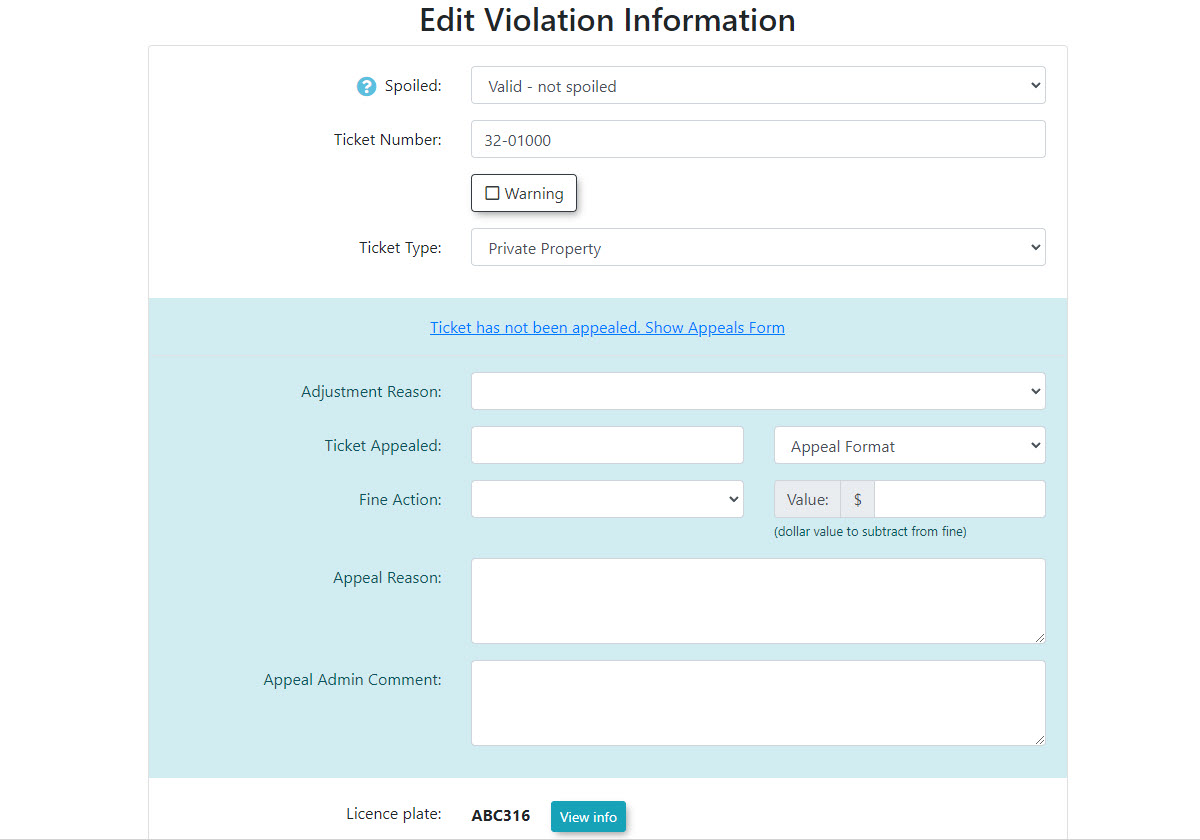
-
-
ChangeSelect theActionedspecificper: field by selecting the Adminadministrator account making the changes from thepicker.Actioned per: drop-down menu. -
Click the Update this Violation
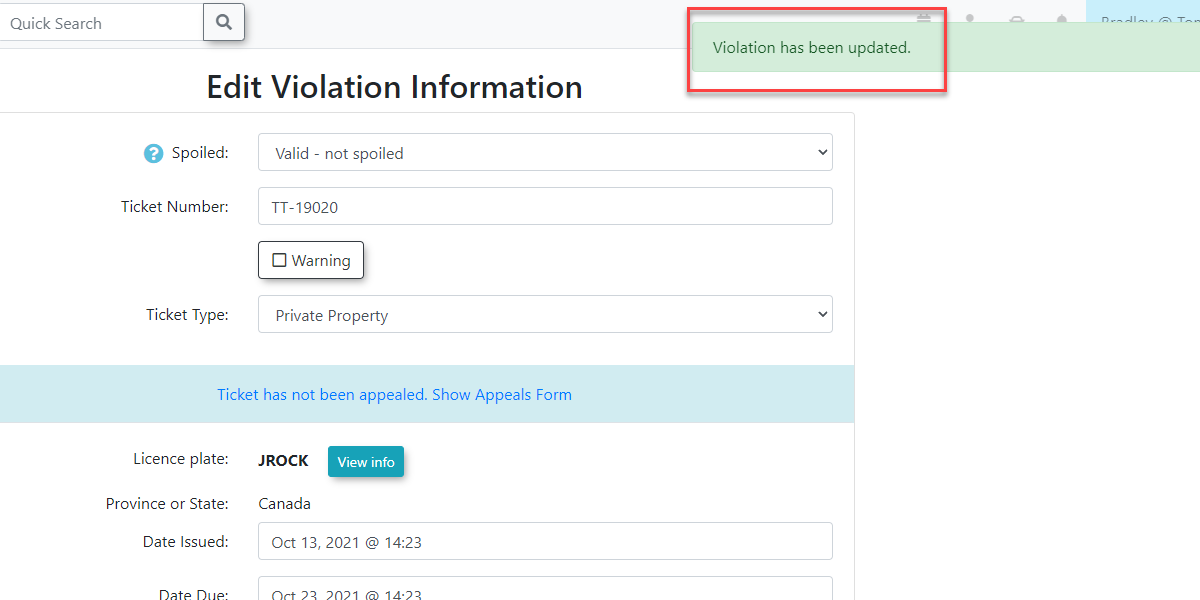
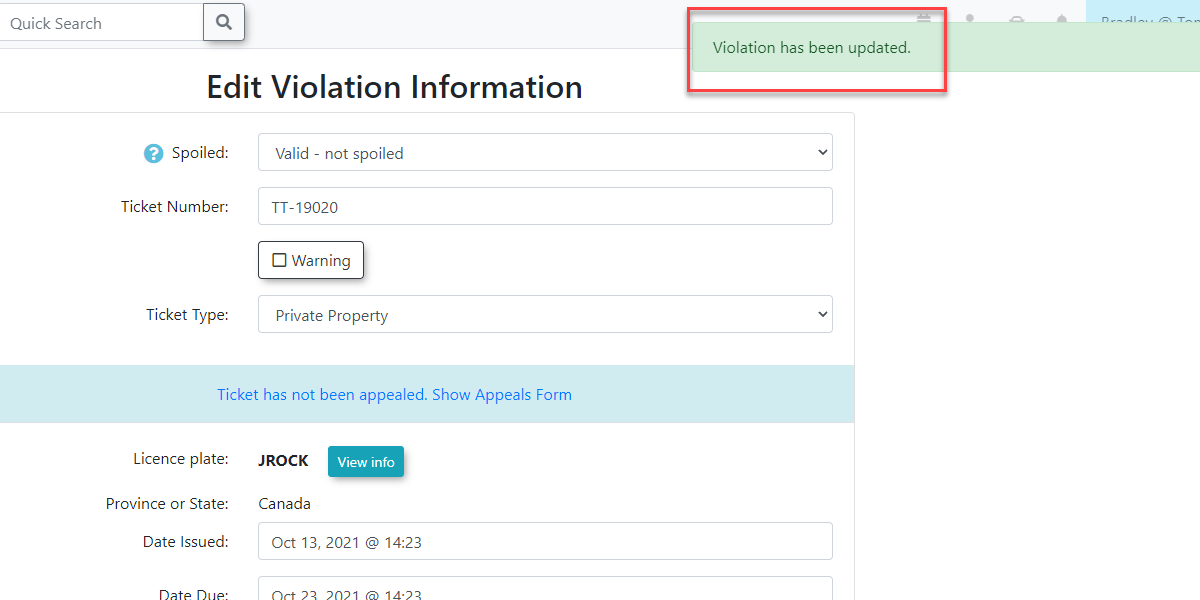
andbuttonato save your changes. A message will appearlettingonyoutheknowscreen confirming that the violation has been updated.
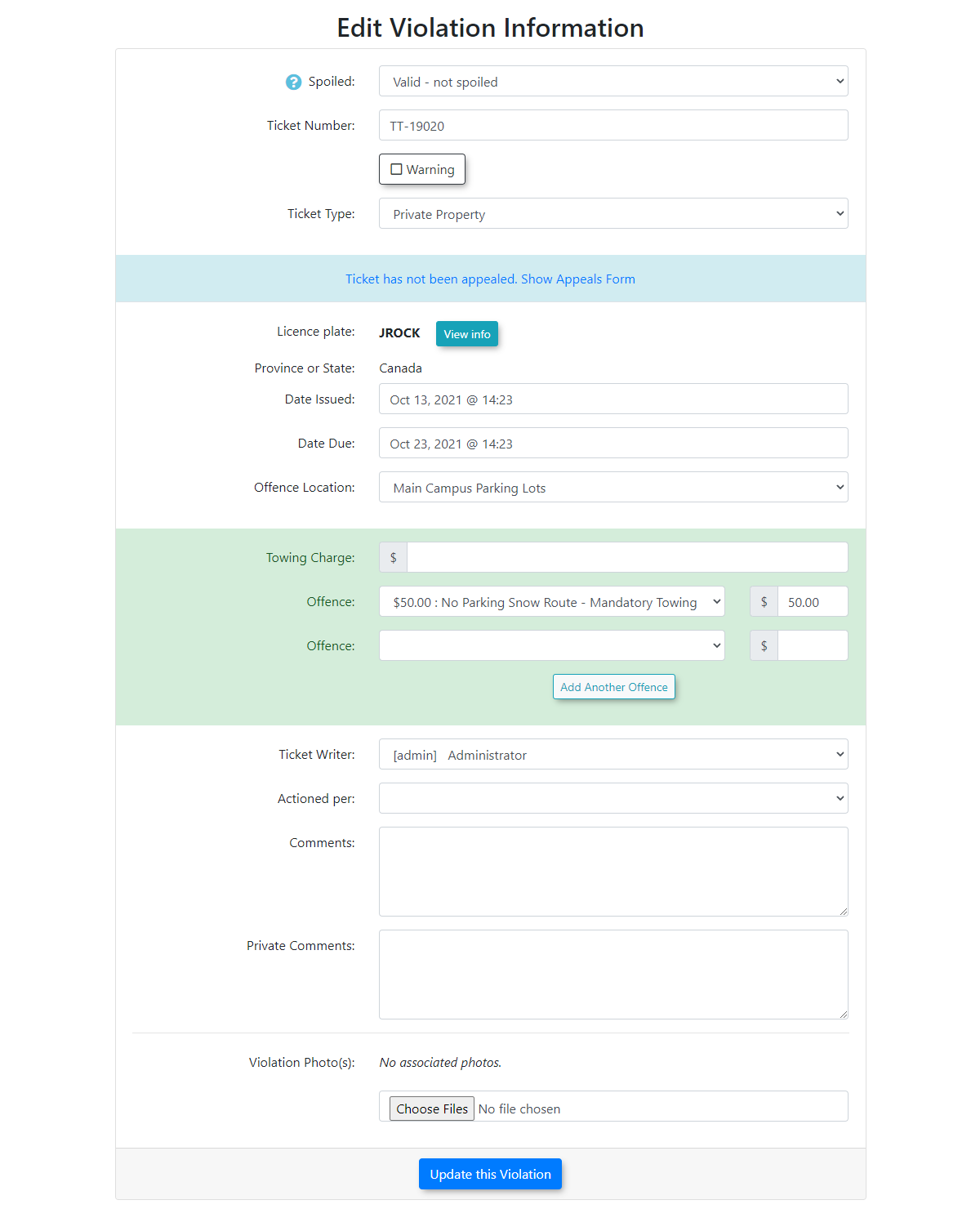
Editing the Violation and Important Information
Best Practices and Considerations
-
Finalized Appeals: Appeals that are granted, reduced, or cancelled cannot be edited again through the standard form and are no longer eligible for early payment discounts. Ensure your decisions are final before clicking the update button.
-
Payment Locks: Once a user pays for a violation, the primary comment fields become permanently locked. Administrators must use the separate Violation Notes section for any further comments or documentation regarding the ticket. -
Overturned Tickets: If a ticket has already been appealed and the user goes to a higher authority to have the ticket overturned, you can edit the ticket and change its status to a warning. This zeros out the financial value and completes the processing while preserving the history of the ticket in the admin portal. Always add a comment to the warning to further explain why the ticket was overturned.
Related Video